How to Use ACH Payments on Invoices & Payment Links
Overview
ACH Payments with SwipeSimple give your business a convenient way to accept direct bank account payments through both Invoices and Payment Links. This feature expands your payment options, allowing customers to pay directly from checking or savings accounts instead of using a credit or debit card. It is an ideal solution for handling larger purchases or accommodating customers who prefer direct bank transfers.
Enrolling in ACH Payments
Before you can accept bank payments, your merchant account must be approved and enrolled for ACH payments through your merchant service provider. You can easily check your status by looking at your merchant account in the SwipeSimple dashboard. Accounts that are ready to accept bank transfers will display a "Cards and ACH" label. If you do not see this label, contact your merchant service provider to learn if ACH is available for your business.
The Customer Checkout Experience
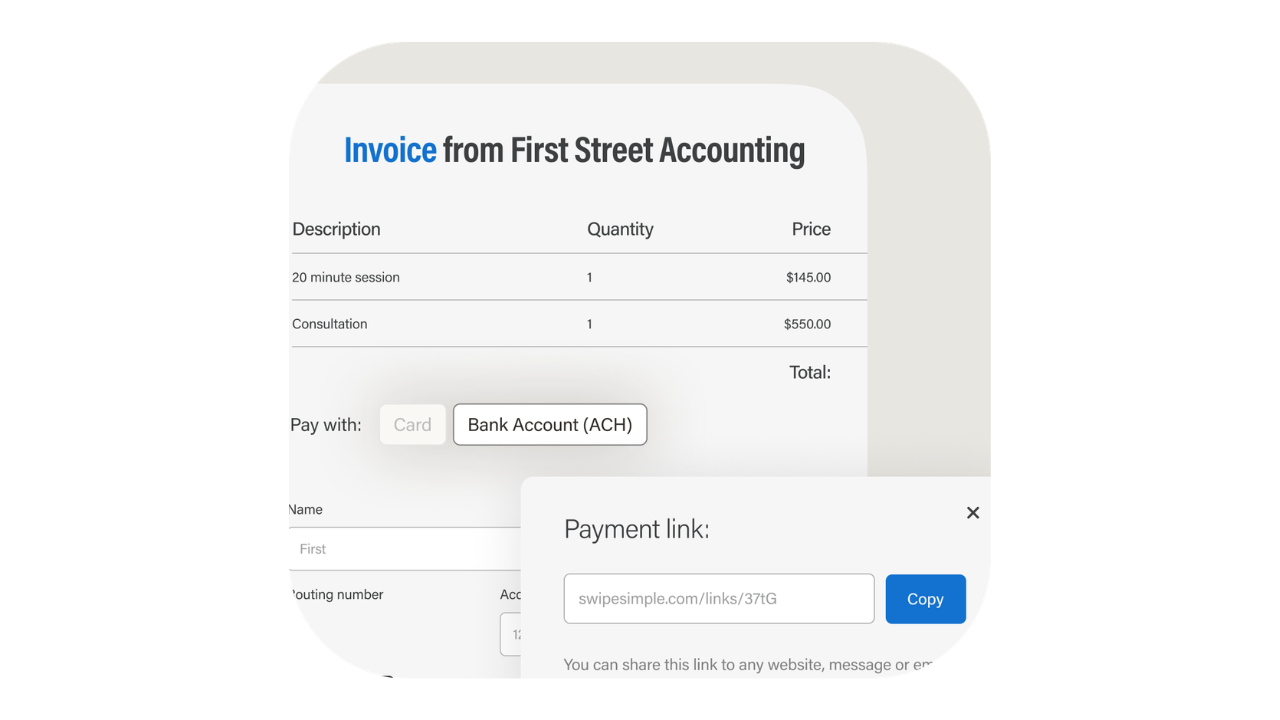
Once ACH is enabled on your merchant account, there is no additional configuration required. When you issue an Invoice or share a Payment Link, your customers will automatically be given the choice to pay via card or bank account.
The checkout experience is seamless for the customer:
- They open the Invoice or Payment Link and select the bank account option.
- They securely enter their bank account details and authorize the transaction.
- If tipping is enabled for your account, customers also have the flexibility to add a tip to their payment.
Tracking and Processing Payments
When a customer submits an ACH payment, the transaction will immediately appear in your SwipeSimple transaction history as approved, and an automated confirmation receipt will be emailed to the customer. However, because these funds move directly through the banking system, ACH transactions will take a few business days to fully process and settle.
Handling Failed Payments and Returns
If a bank payment cannot be completed due to insufficient funds or another account issue, both you and your customer will receive an immediate email notification. SwipeSimple automatically handles these failed attempts to help you get paid faster:
- Invoices: The original invoice will automatically reopen so the customer can submit an alternative payment method.16
- Payment Links: The customer can simply reopen the same payment link and attempt the transaction again.17
Managing Transactions and Reporting
You can manage ACH payments directly alongside your credit and debit card transactions from within the SwipeSimple dashboard. Bank payments can be voided if caught during the available processing window, and they can be fully refunded once the funds have officially settled. Because ACH transactions are fully integrated into your existing transaction history and reporting, you can easily monitor all your sales data in one centralized place.
Get Started
To view your account status or manage your invoices, log in to your SwipeSimple Web Dashboard. For more detailed info and FAQs, visit our ACH Payments support page at https://support.swipesimple.com/hc/en-us/articles/41092562723863-ACH-on-Invoices-FAQ.