
Credit card processing for contractors who work out of a truck, not a storefront



Small businesses trust us
App Store rating
Support by phone and email
Get paid at the job site
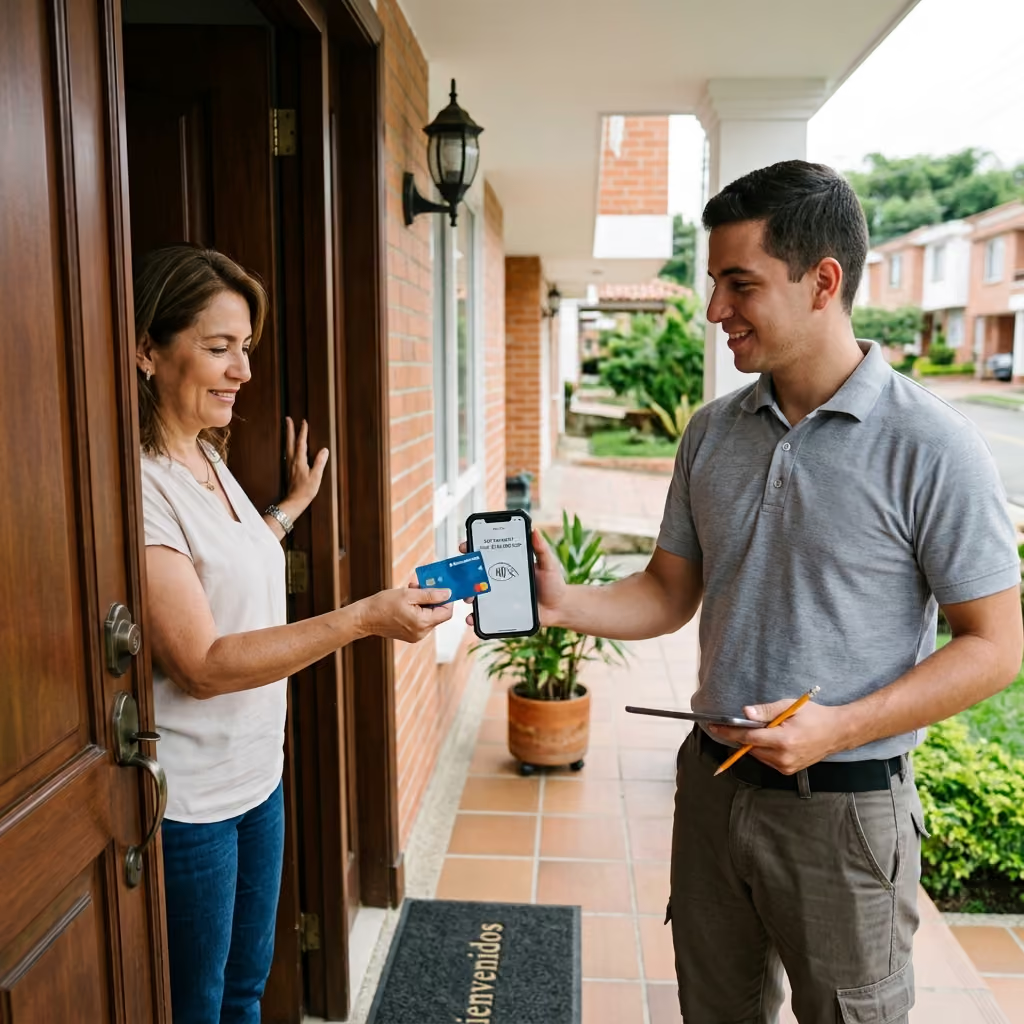
- Take a tap on your iPhone with Tap to Pay on iPhone, no extra hardware.
- Pair a Bluetooth card reader for chip and swipe cards.
- Keep working in basements and dead zones with offline mode.
- Let each crew lead take payments from their own phone.
Send invoices from the truck
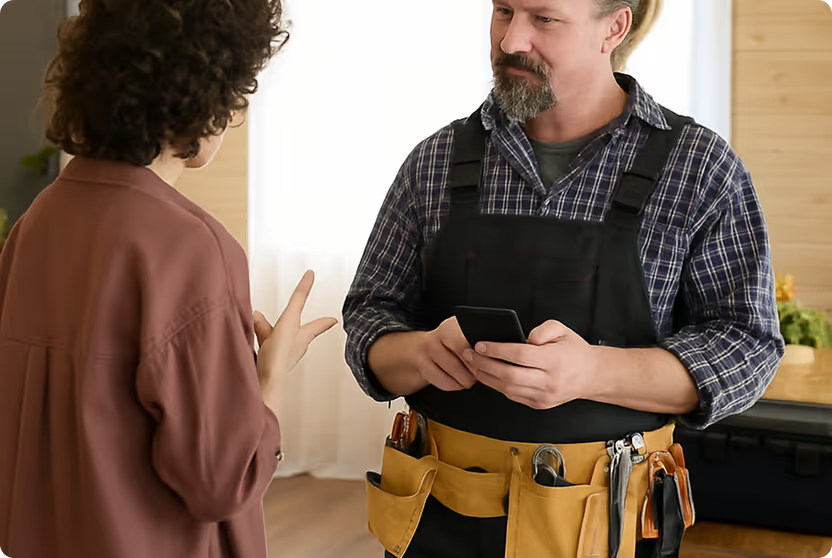
- Send invoices by email or text with Text to Pay.
- Add your logo and business colors.
- Customers pay by card from a secure link.
- Track what's paid and send reminders on what's not.
Keep customer info and cards in one place
- Save a Card on File with your customer's permission.
- Charge each project phase to the saved card when it's done.
- Track every payment on a job in one customer record.
- Keep contact info handy for follow-up work.
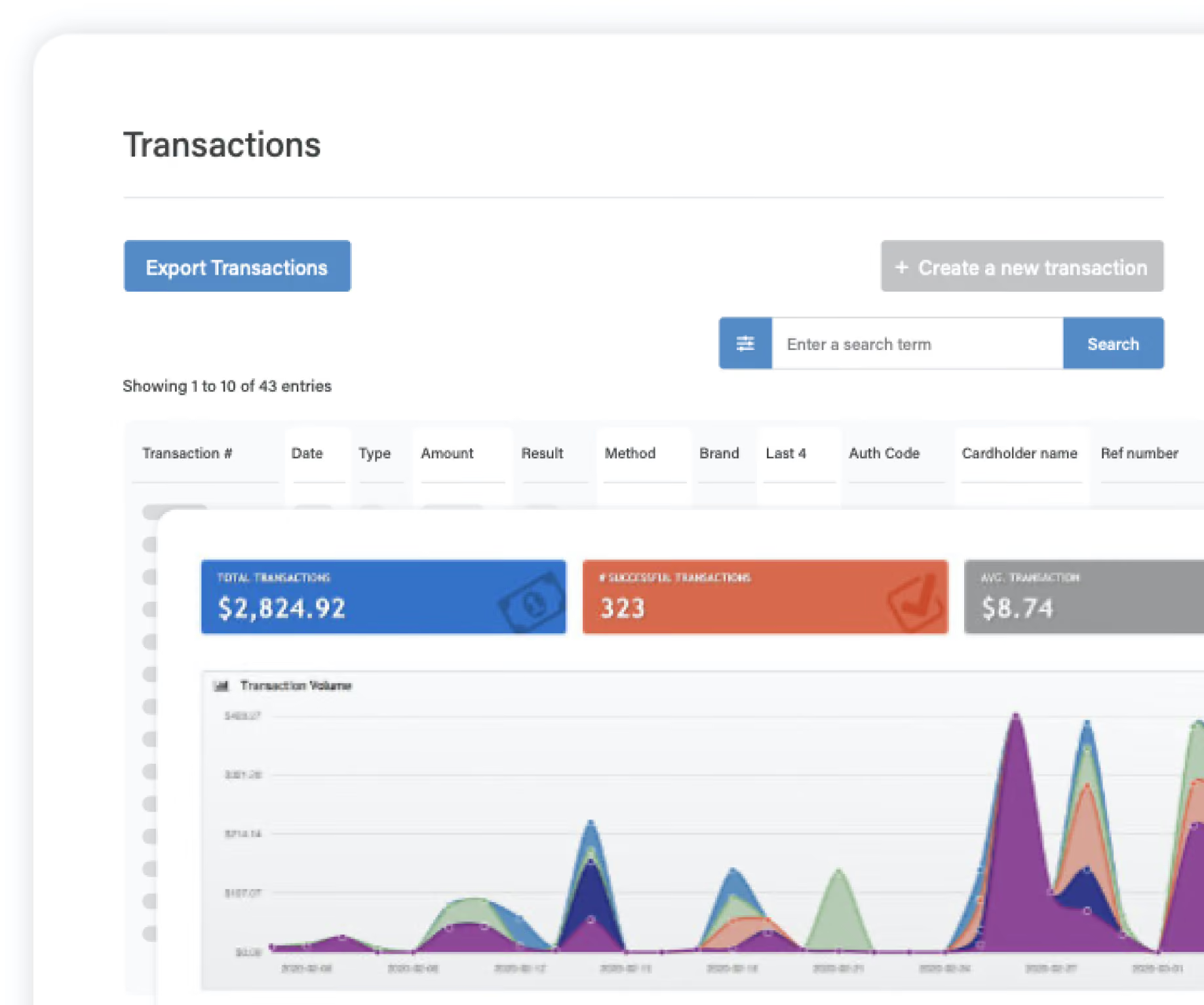
Track sales by crew and run clean reports
- See sales by employee or crew lead.
- Pull reports for any date range.
- Export to QuickBooks, Excel, and other tools.
- Sync payments with QuickBooks Online Sync.
How to choose the best credit card processing for contractors
- Clear rates: You should know your cost before you sign, not after your first statement.
- Mobile tools: You should be able to take a card anywhere you work.
- Staged billing: Deposits and progress payments should be easy to set up.
- Real support: You should be able to reach a person when a payment has a problem. Our US-based team answers by phone and email.




Contractor payment FAQs
What's the best credit card processing for contractors?
Look for clear pricing, mobile payment tools, and an easy way to take deposits and progress payments. SwipeSimple offers all three, whether you get it directly through Connect or through your bank or payment provider.
Can I take a deposit by credit card?
Yes. Use Scheduled Payments to charge a deposit now or on a future date. Check your state's rules on deposit limits for home improvement work.
Can I get SwipeSimple through my bank?
Many banks and payment providers offer SwipeSimple. If yours does, they'll set your pricing and terms. You can also sign up directly through SwipeSimple Connect.
Who is SwipeSimple built for?
SwipeSimple is built for small businesses that take payments on the go, like:
Start getting paid on the job
Deposits, progress payments, and final bills, all from your phone.

Accept credit cards with SwipeSimple Connect.
Learn how to accept credit cards with SwipeSimple Connect.
SwipeSimple Partners
SwipeSimple is sold through a network of merchant acquirers, regional resellers, and financial institutions.
Learn more


