
HVAC and Home Services
HVAC invoicing software that gets you paid before you leave the site
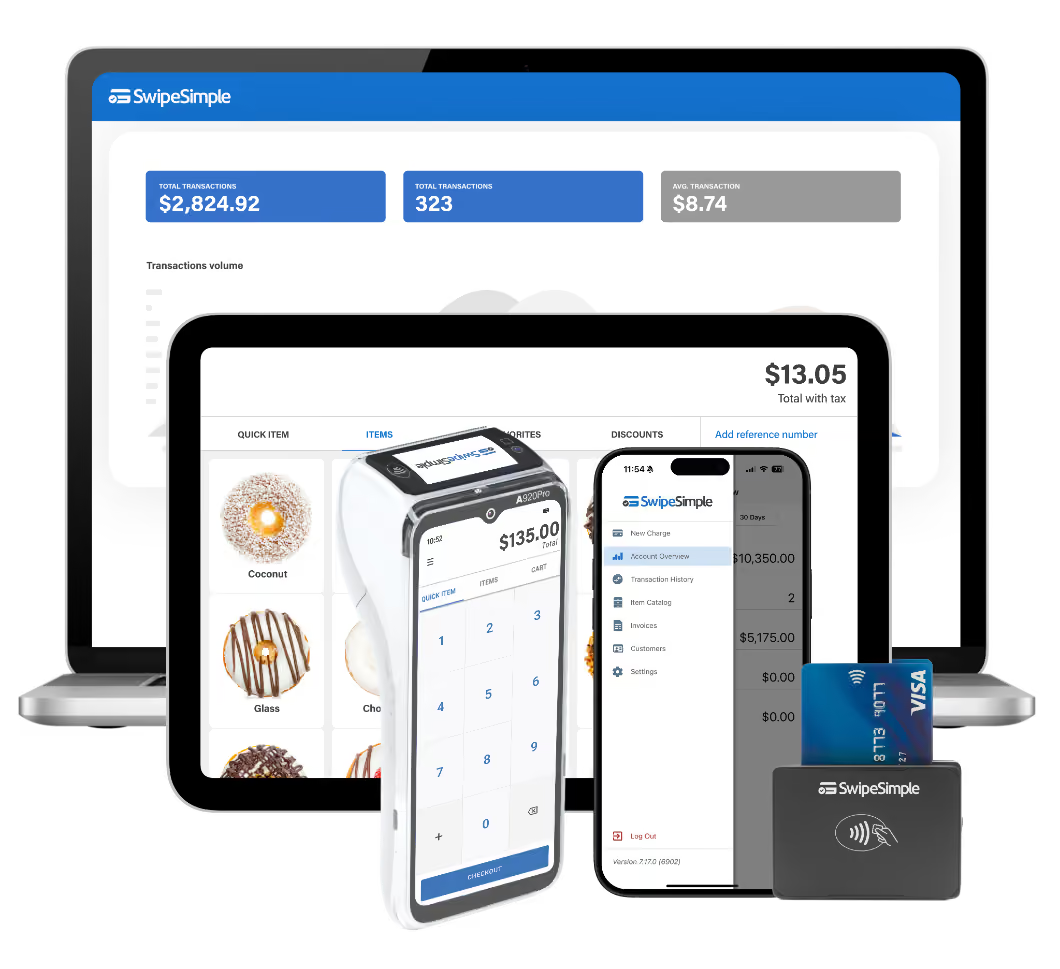
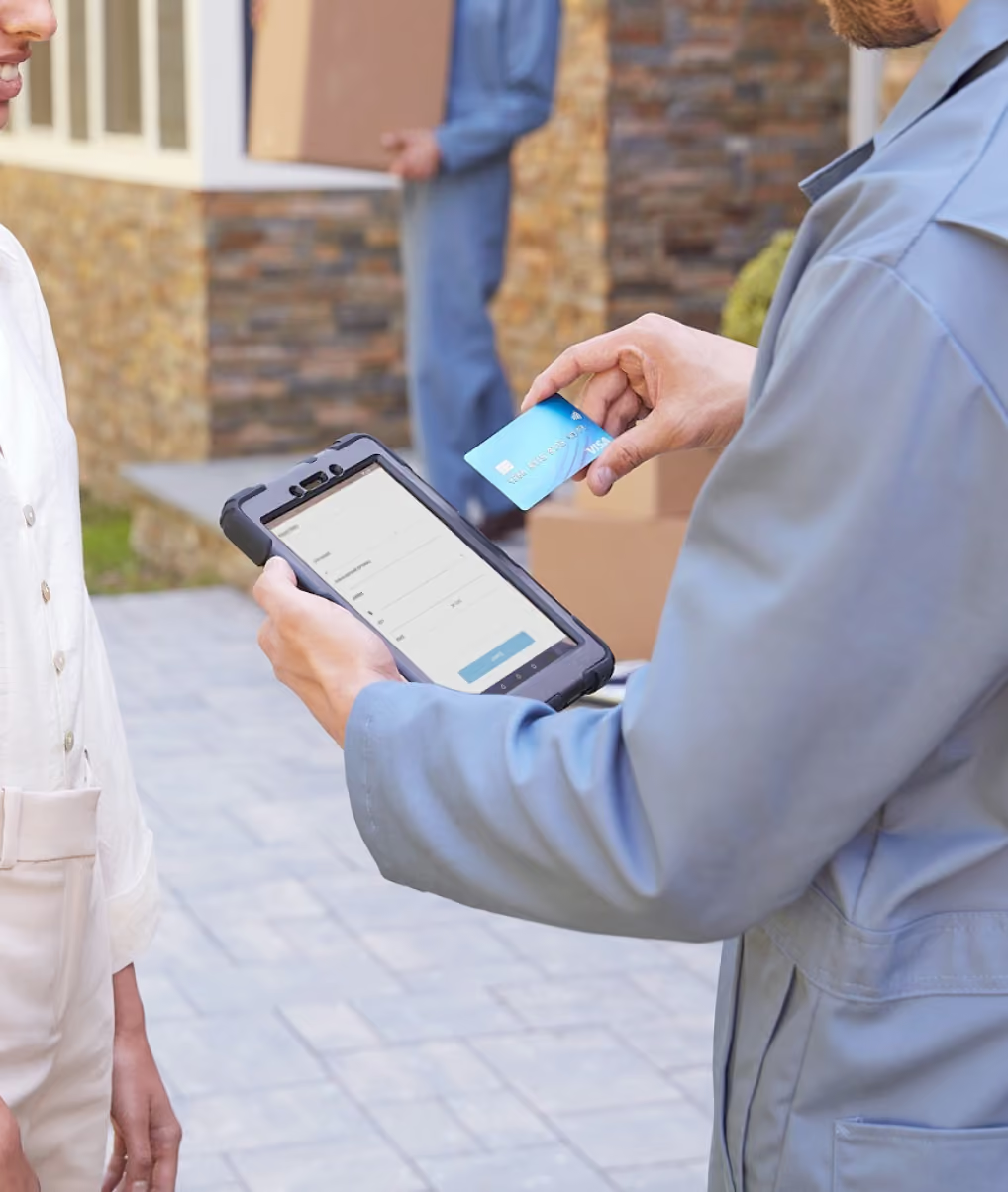
Send the invoice from the driveway. Take a tap on your iPhone. Your customer pays, and you pull away with the job closed out. SwipeSimple is HVAC invoicing software built for techs in the field, so you get paid on service calls and installs without waiting on a check. Get it directly through SwipeSimple Connect, or through the bank or payment provider you already use.


125,000+
Small businesses trust us
4.8
App Store rating
US-based
Support by phone and email
Invoicing software for HVAC that follows the job
Every HVAC job moves the same way. You quote it, you lock it in, you do the work, and you get paid. SwipeSimple gives you a tool for each step, all in one app on the phone you already carry.
- Quote it. Give the customer your price.
- Lock it in. Take a deposit on big installs.
- Collect on-site. Tap a card before you leave.
- Bill the rest. Invoice what is left and get paid without a truck roll or phone call.

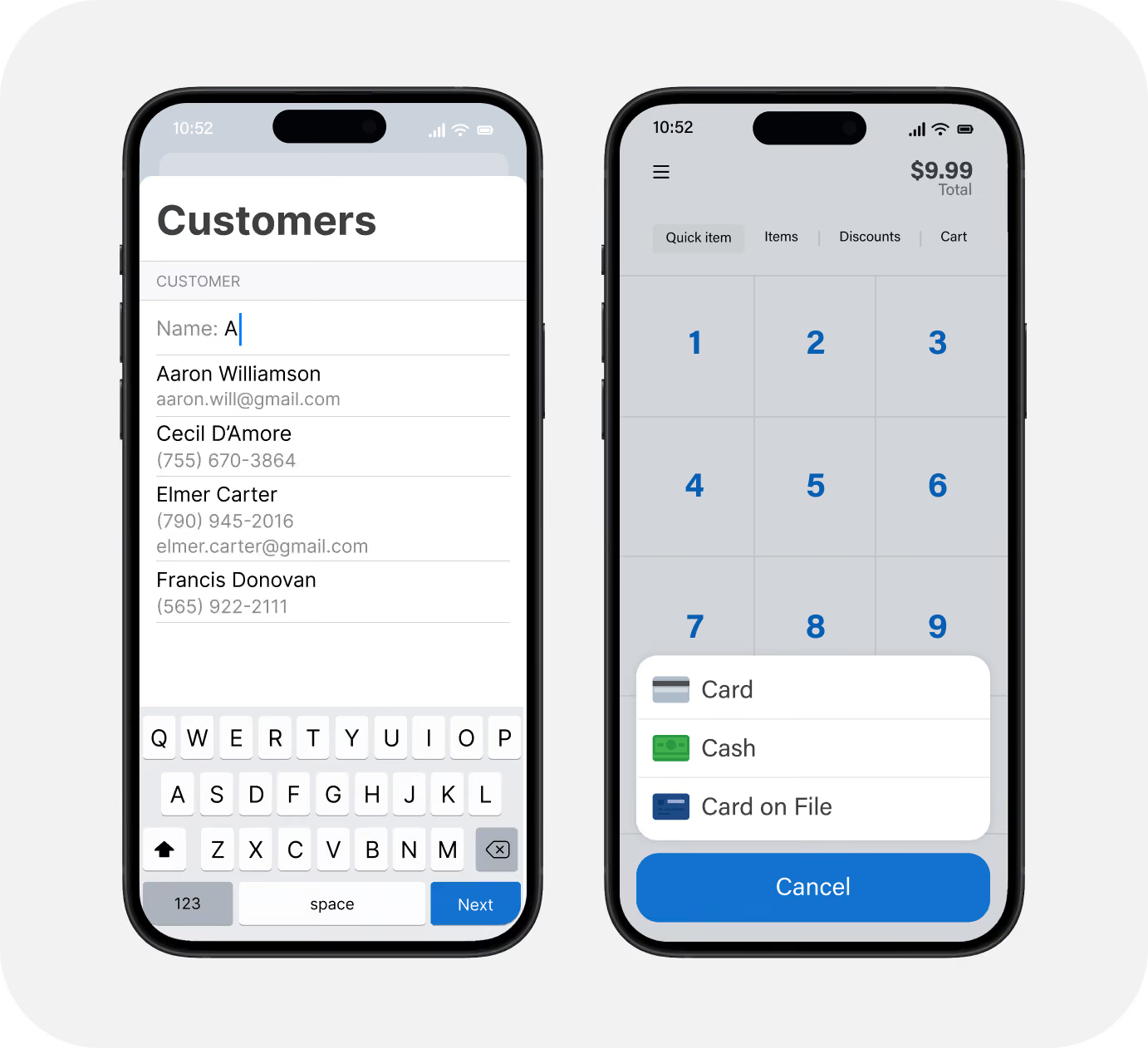
Take a deposit on big installs and charge the balance later
Get money in hand before the equipment ships. Save a card, then charge the rest when the job is complete.
- Save the card to the customer record. When the install is done, charge the balance in a few taps instead of sending another bill.
- Know the equipment order date? Schedule the deposit to come out on that day with Scheduled Payments.
- For a full system replacement, split the cost into installment payments the customer can handle.
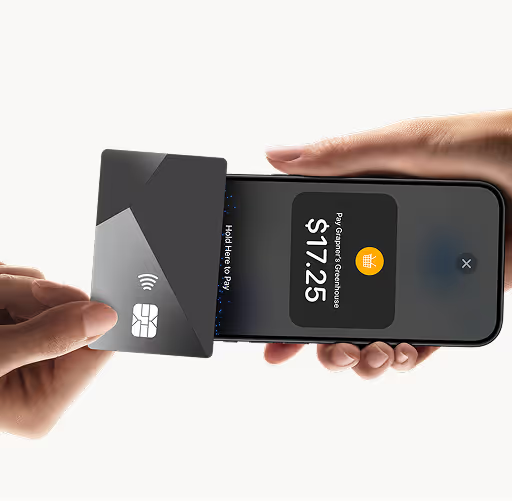
Collect on-site with Tap to Pay on iPhone
The customer's standing right there. Take the payment right there.
- Accept a tap with Tap to Pay on iPhone, at no extra charge and with no extra hardware.
- Pair a Bluetooth reader when a customer wants to swipe or dip a card.
- Keep taking payments in attics and mechanical rooms with offline mode.
- Track sales by technician so you know who's closing jobs.
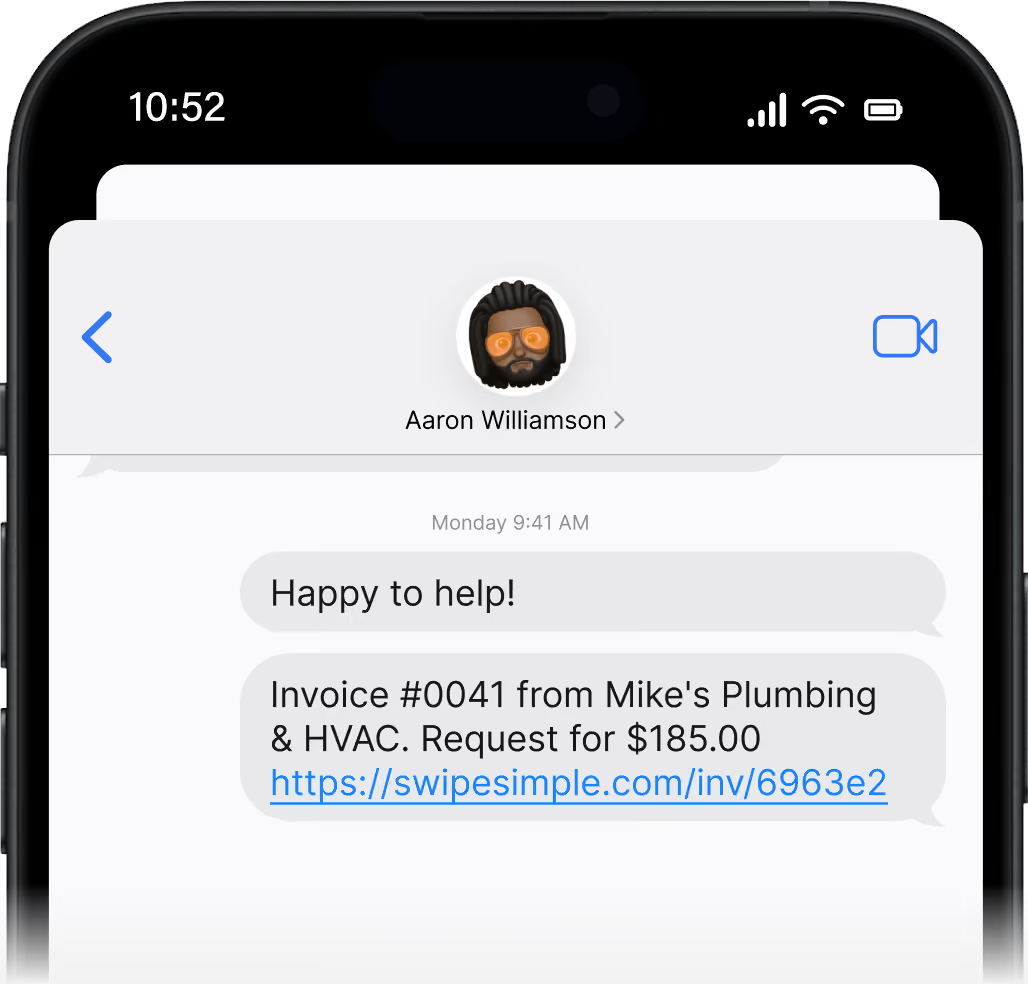
HVAC service invoicing for customers who pay later
Homeowner's at work? Landlord's across town? Send the bill and get paid from their phone.
- Send Invoices by email, or by text with Text to Pay.
- Add your logo and company colors so every invoice looks like your business.
- Let customers pay in a few taps from a secure link.
- Track who's paid and send reminders, so you stop chasing checks.
Keep maintenance plans and repeat customers easy
Service calls carry you all year. Make the repeat work simple.
- Bill maintenance agreements on a recurring schedule with Scheduled Payments.
- The card you saved at the install covers the fall tune-up too. No new paperwork or transaction.
- Sync payments to your books with QuickBooks Online Sync.
- Send tune-up offers and review requests with Text Loyalty & Reviews.
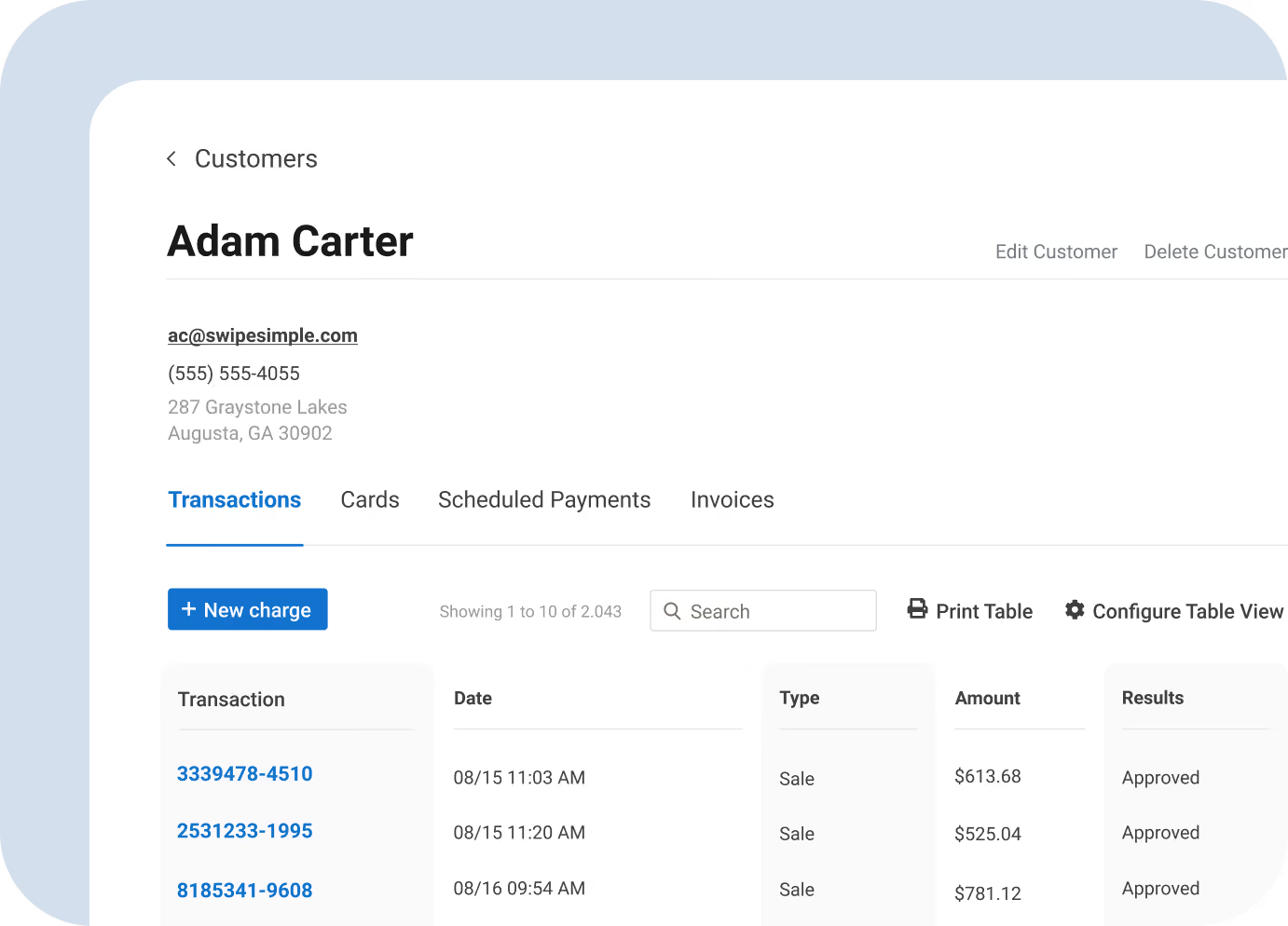
What the best HVAC invoicing software should do for you
You don't need a big system to run your billing. You need one that gets you paid fast and doesn't require extra hardware. Here's what SwipeSimple gives you:
- Payment on-site. Take a card in the driveway, the attic, or the basement.
- Accept any kind of payment. Take cards, Apple Pay, Google Pay, and more.
- Use your own phone. Works on your smartphone, no additional hardware required.
- A real person on the phone. You can easily reach our US-based team by phone and email.
"SwipeSimple made it so easy for my techs to collect payment right at the job site. No more chasing invoices."
James R. - HVAC contractor

Google Play
Easy-to-use. Easy-to-navigate. I would recommend to any business owner over any other POS.


Received via Email
I am SOOOOO happy with your service. Everything is so user friendly and I have had zero issues. I just wanted to thank you for making my life a bit easier now!

G2 Review
SwipeSimple is very convenient for the small business owners. I love how fast and easy it is to use. It is very convenient since it can be used in all in one device plus it is very safe.

iOS App Store
Unreal simple to use. It was very easy to create an item for each sale, setup the item, create item, and just add quantities in the sale section.
HVAC invoicing software FAQs
Can I take a deposit before an install and charge the balance after?
Do I have to buy a card reader?
Will my shop get approved?
Approval depends on how you sign up: a bank, merchant acquirer, or regional reseller handles your account, pricing, and support, or you can apply directly with SwipeSimple Connect, and our US-based team works with you from application through funding.
Can a customer pay me later from their phone?
Can I bill customers on a maintenance agreement?
Does it work with QuickBooks?
Who is SwipeSimple built for?
Send your next invoice from the driveway
Get paid on service calls and installs before you leave the site.

Accept credit cards with SwipeSimple Connect.
Learn how to accept credit cards with SwipeSimple Connect.
SwipeSimple Partners
SwipeSimple is sold through a network of merchant acquirers, regional resellers, and financial institutions.
Learn more


