
Plumbing invoicing software that gets you paid before the truck pulls away


Small businesses trust us
App Store rating
Support by phone and email
Burst pipe at 2 a.m.? Get paid before packing up
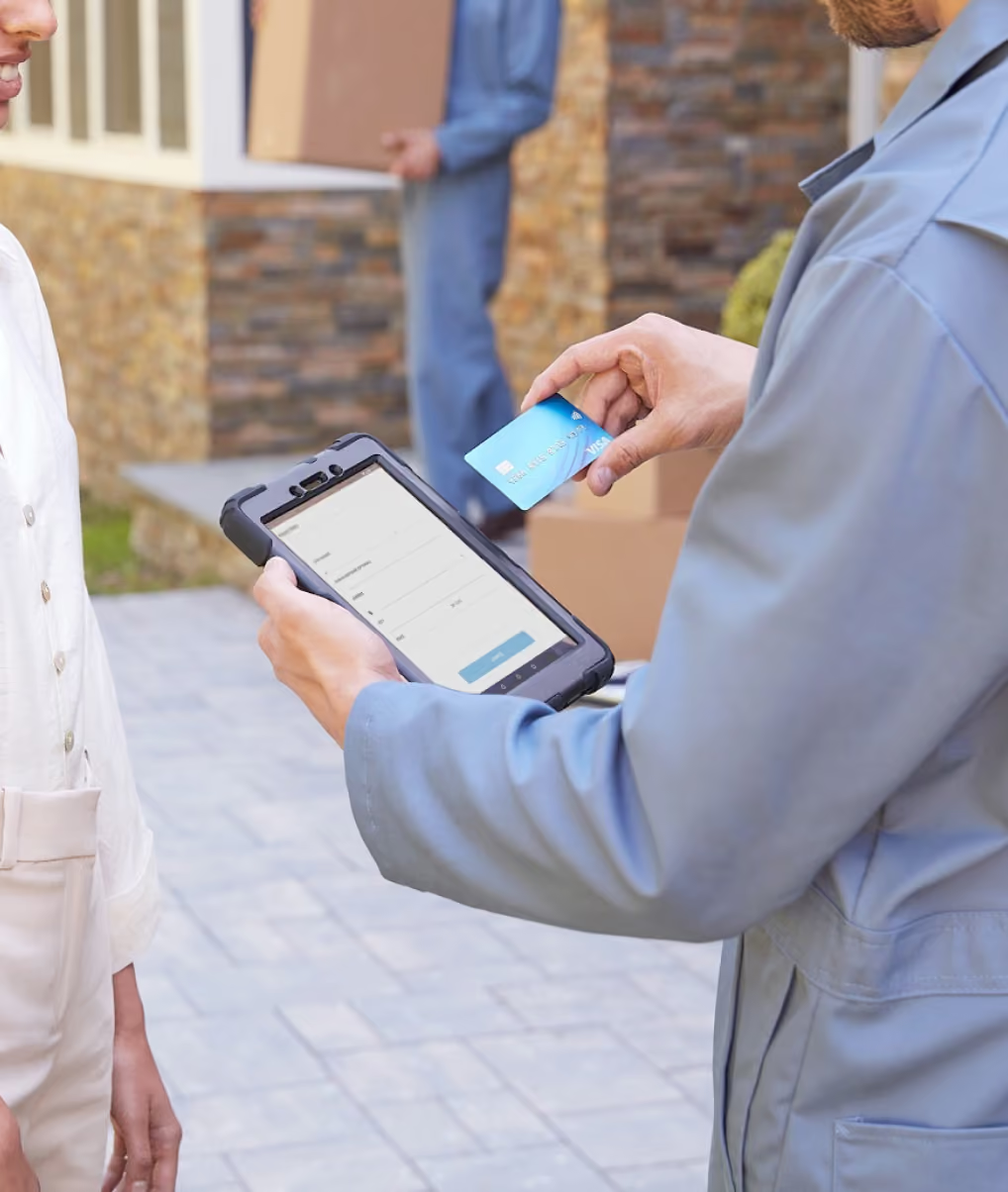
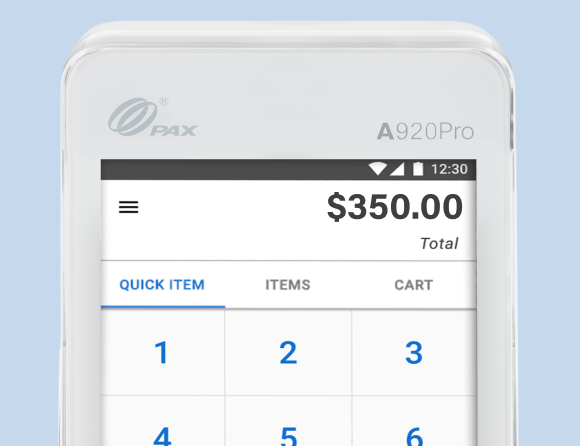
- Take payment in the kitchen, basement, or at the curb with Tap to Pay on iPhone, no card reader needed.
- Charge an after-hours dispatch fee by text before you head out, so every trip is covered.
- Keep taking payments when your signal drops, thanks to offline mode.
- Send the receipt by text so the homeowner has it for their records.

Plumbing invoicing software that covers every service call
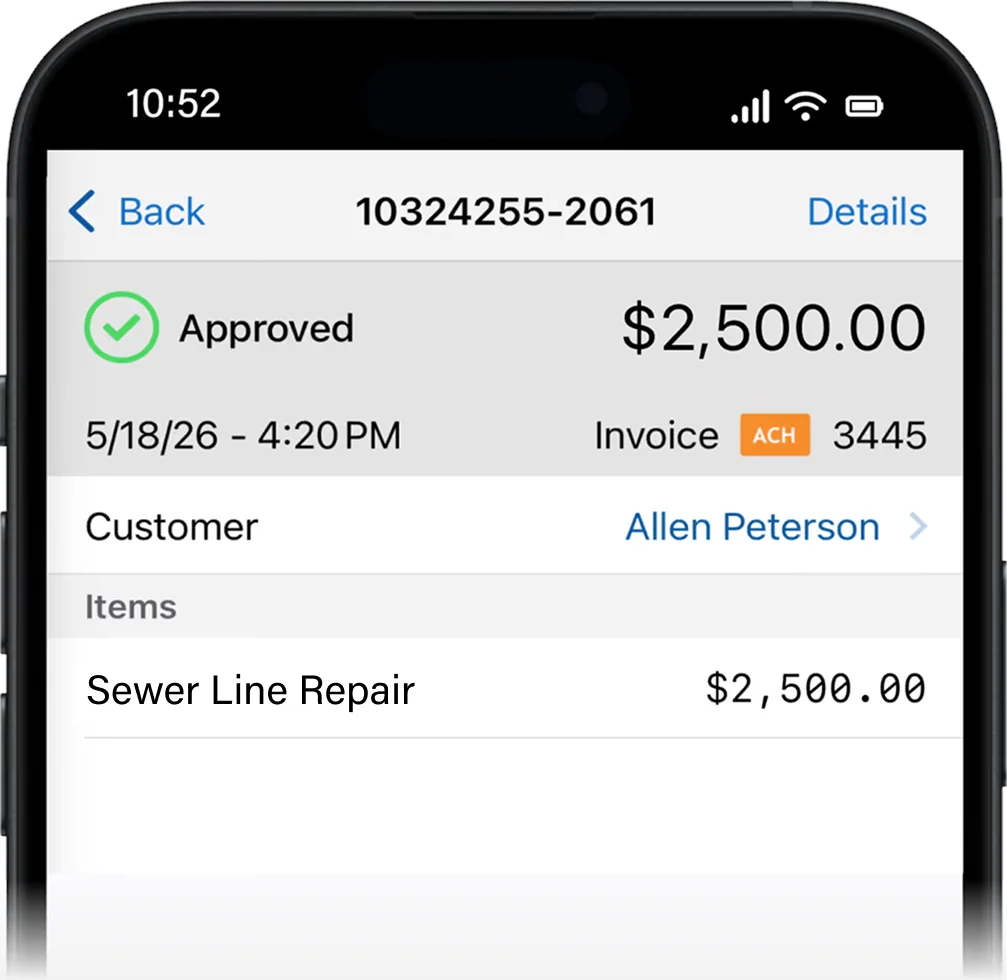
- Collect your service-call minimum on the spot, even when the repair waits.
- Send an invoice with Text to Pay, so the customer can pay before you leave the driveway.
- Let automatic reminders follow up on unpaid invoices so you are not chasing payments.
- See which jobs are paid and which still need a nudge.
Bill service agreements without chasing payment
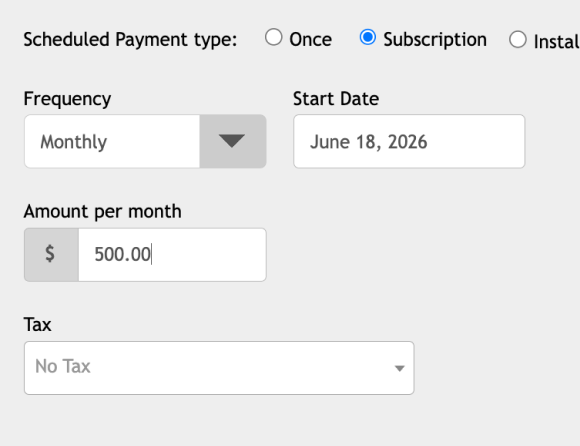
- Put a maintenance plan on a monthly, quarterly, or annual schedule with Scheduled Payments.
- Keep the customer's card on file so each renewal charges without a phone call.
- See upcoming and past charges for every customer in one place.
- Set up Scheduled Payments once and it runs until stopped.

Bill property managers who pay from their desk
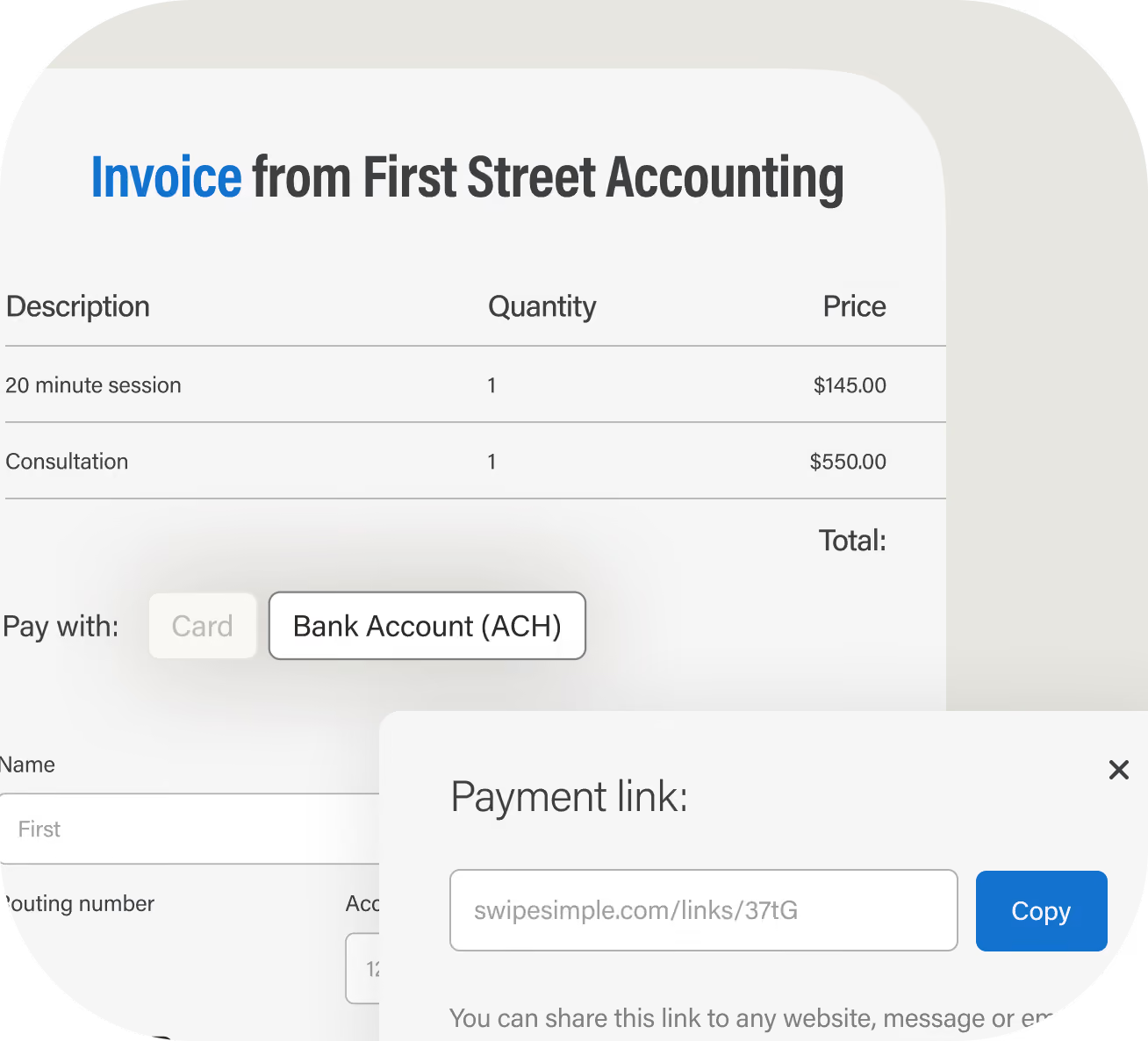
- Accept ACH bank transfers on large invoices, or let them pay by card.
- Email an invoice for each job, so every payment ties back to the work you did.
- Let automatic reminders work for you, so no work goes unpaid.
- Take payment over the phone with Virtual Terminal when they call it in.
Why plumbers choose SwipeSimple
- Get paid without the bloat. Housecall Pro, Jobber and other plumbing software providers bundle in products you don't need, only to overcharge you for payment processing.
- You talk to real people. Call or email our US-based team to speak to a real person from day one.
- Easy to learn and train. It runs on the phones and tablets you own, and it's rated 4.8 on the App Store and 4.7 on Google Play.
- Your books stay current. QuickBooks Online Sync sends your payments to QuickBooks, so you're not typing jobs in twice.
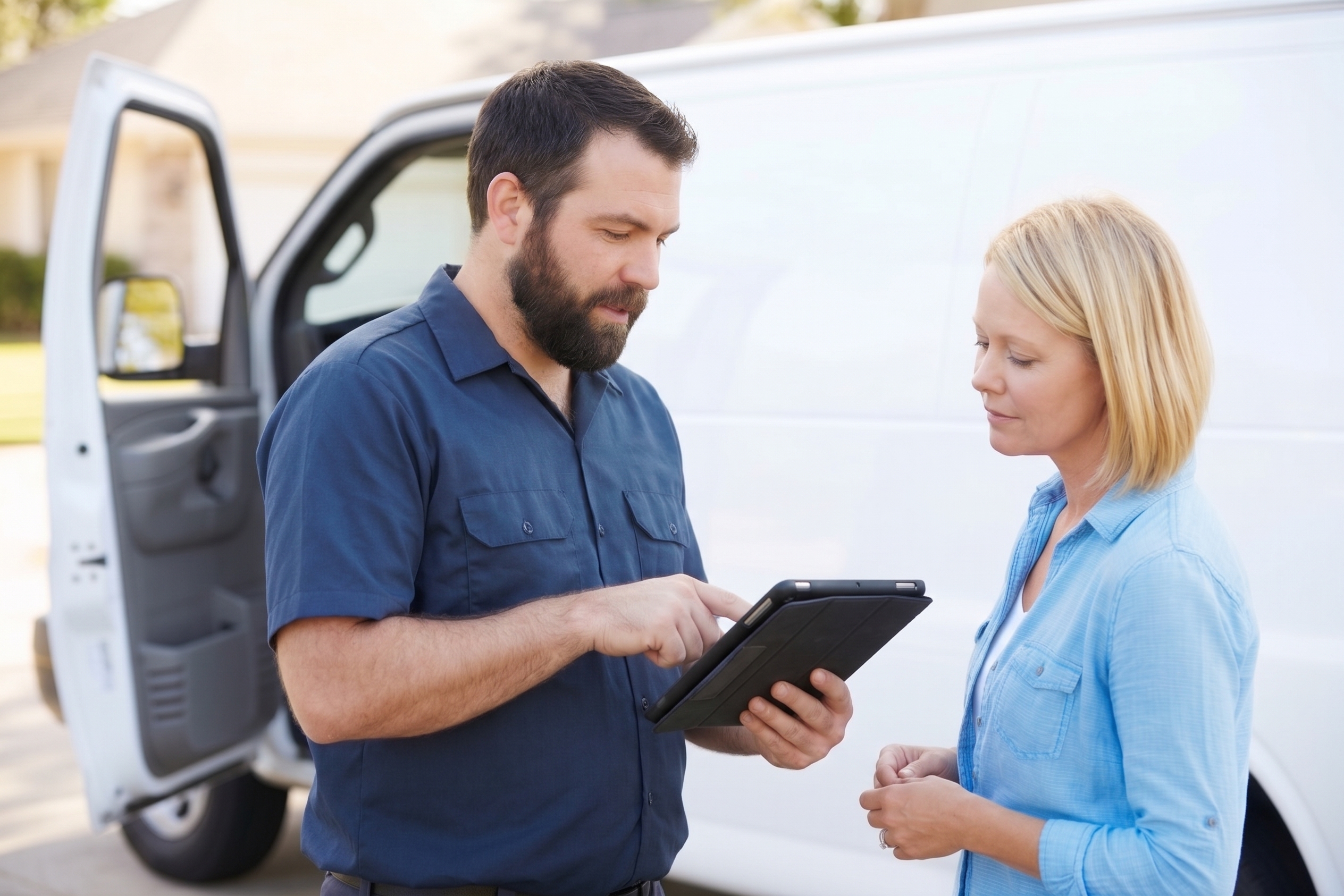
Take payments wherever you need


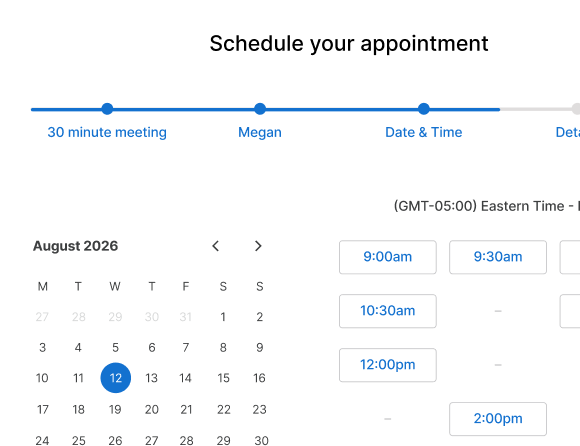



Add more tools to run your business
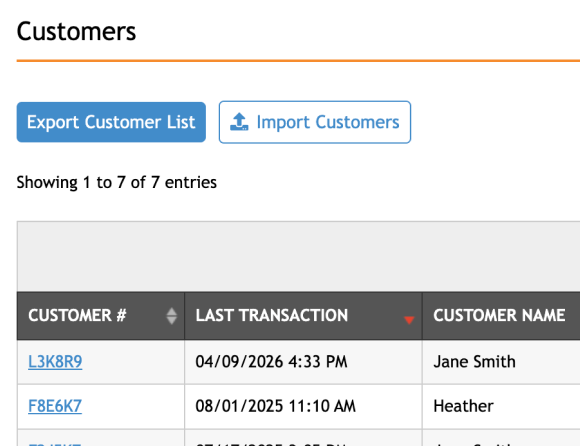
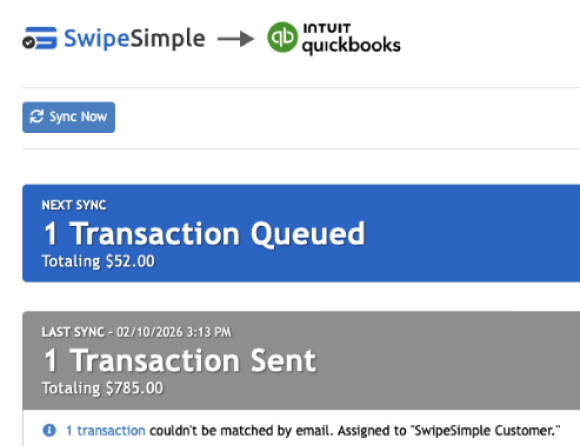
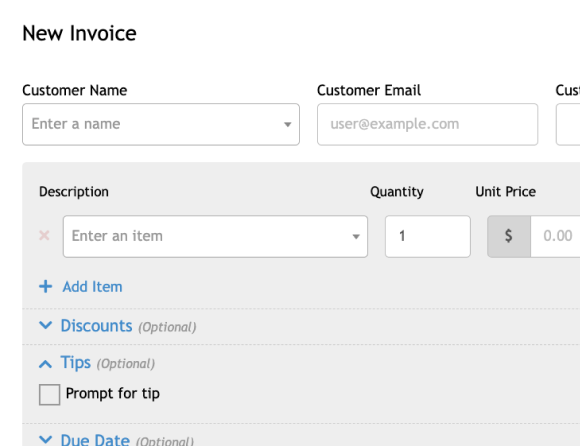
Add apps that handle your books, your schedule, and your customer follow-up. QuickBooks Online Sync and Appointments connect directly to SwipeSimple, so your payments flow straight into your books and your calendar. Text Loyalty & Reviews brings back repeat customers with text offers and turns happy ones into online reviews.
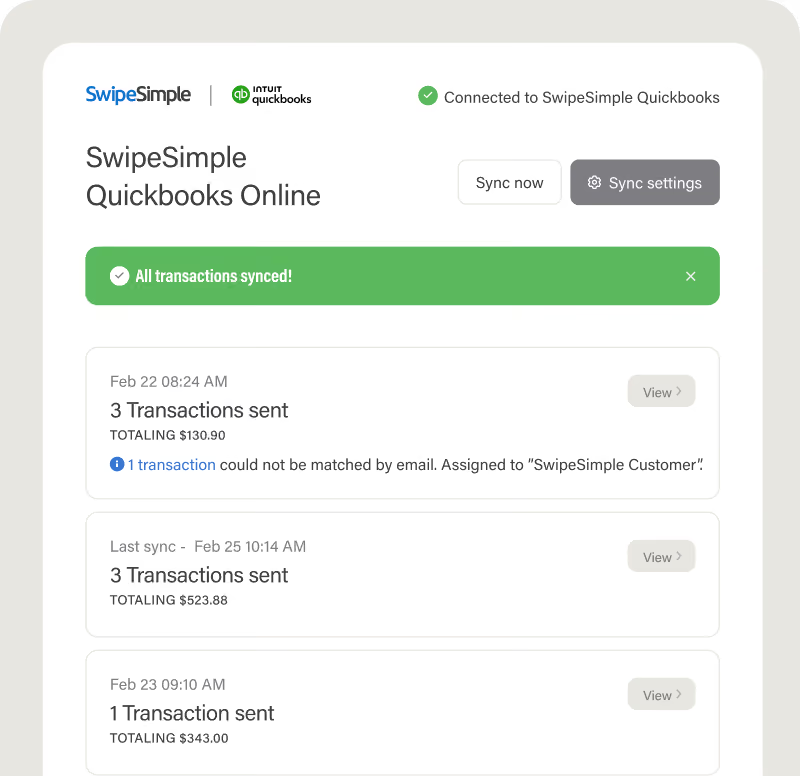

Send your SwipeSimple transactions to QuickBooks Online whenever you choose. Payments land in your books automatically, so you skip the manual exports and month-end reconciliation.

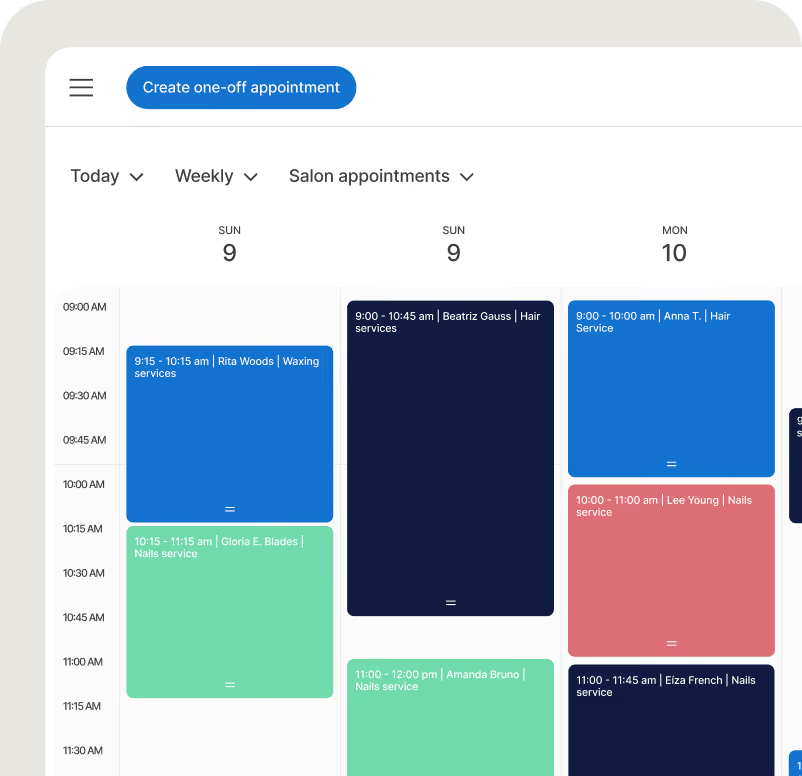

Let customers book online, manage your calendar, and take payment for the appointment, all in the same place you already run your sales.


Reward repeat customers with text-based loyalty offers, send automated review requests, and group customers so the right message reaches the right people.


Plumbing invoicing software FAQs
Can I take a payment on an after-hours emergency call?
Yes. SwipeSimple works any time you have your phone, so you can collect on a 2 a.m. call just like a Tuesday afternoon one.
How do I write a plumbing invoice?
A plumbing invoice should list your business name and license number, your customer's details and service address, the date, and labor and parts with any applicable add-ons like taxes or fees. With SwipeSimple, you can build this on your phone, tablet, or computer and send it via text or email for the customer to pay via card from a secure link.
Can I offer payment plans for plumbing work?
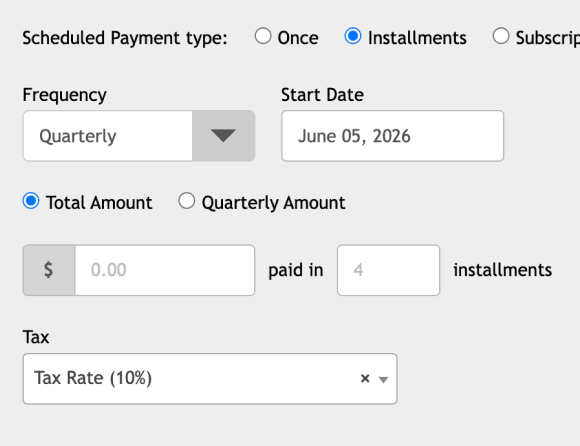
Yes. Set up installment billing in SwipeSimple Scheduled Payments to split a larger job into regular payments. You lock in the job today while the customer pays over time with no interest.
How can I reduce invoicing erros in my plumbing business?
Build invoices from a saved item catalog so prices and descriptions stay consistent. Set a due date and let automatic reminders follow up. QuickBooks Online Sync then sends each payment to your books, so you are not retyping totals.
Can I bill a maintenance plan automatically?
Yes. Set the plan up once in Scheduled Payments with the customer's card on file, choose the billing interval, and each charge runs on schedule until you stop it.
Can I charge my service-call minimum if the customer doesn't book the repair?
Yes. Run the card on-site or text an invoice for the call-out fee before you leave.
Does the customer need an app to pay a texted invoice?
No. They open the link in the text and pay with their card in a few taps.
How do I bill a property manager who's never at the job?
Email them an Invoice, take their card by phone with Virtual Terminal, or keep their card on file and charge each job with their approval. If you use SwipeSimple through a partner, ask about ACH for large invoices.
Can I collect a deposit before a repipe or remodel?
Yes. Take the deposit by card in person, by text invoice, or over the phone, and save the card on file. When the job is done, charge the balance to the saved card, or send an Invoice.
Will my shop get approved?
Approval depends on how you sign up: a bank, merchant acquirer, or regional reseller handles your account, pricing, and support, or you can apply directly with SwipeSimple Connect, and our US-based team works with you from application through funding.
Who is SwipeSimple built for?
SwipeSimple is built for small businesses that take payments on the go, like:
Get paid on your next call
From emergency fixes to full repipes, collect before the truck pulls away.

Accept credit cards with SwipeSimple Connect.
Learn how to accept credit cards with SwipeSimple Connect.
SwipeSimple Partners
SwipeSimple is sold through a network of merchant acquirers, regional resellers, and financial institutions.
Learn more


