
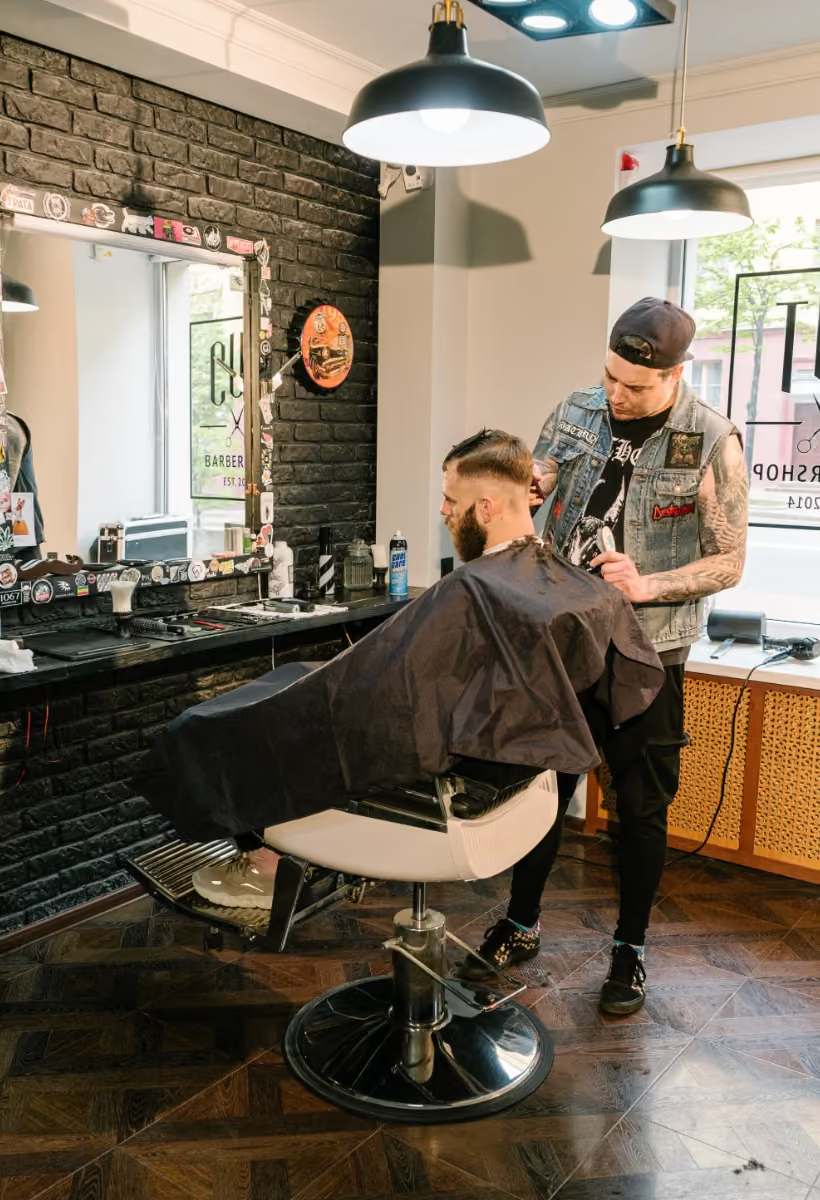
The salon POS system that checks clients out right at the chair

Small businesses trust us
App Store rating
Support by phone and email
What a salon POS should do
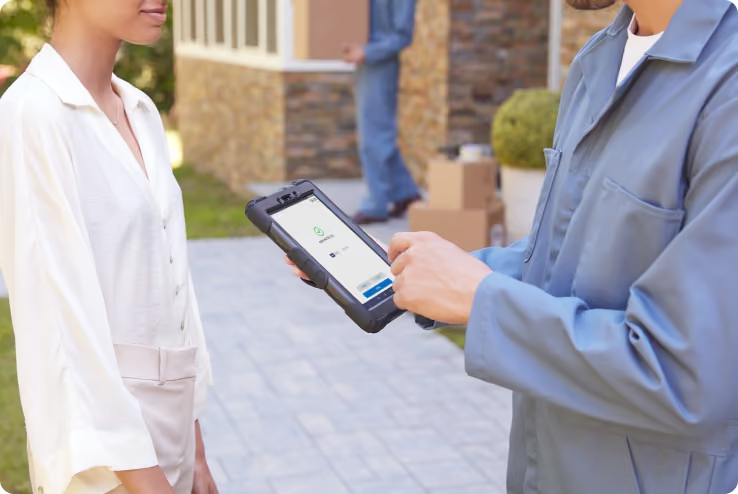
Tap and done at the chair
- Accept a tap with Tap to Pay on iPhone, at no extra charge.
- Pair a Bluetooth reader for chip and swipe cards.
- Text or email a receipt before the client grabs their coat.
- Let every stylist or tech check out their own clients from their own phone.

Tips that add up right
- Set tip options as a dollar amount or a percent.
- Show the tip on every receipt.
- See tips collected by each stylist or tech.
- Turn tips on or off any time.
Keep your regulars moving
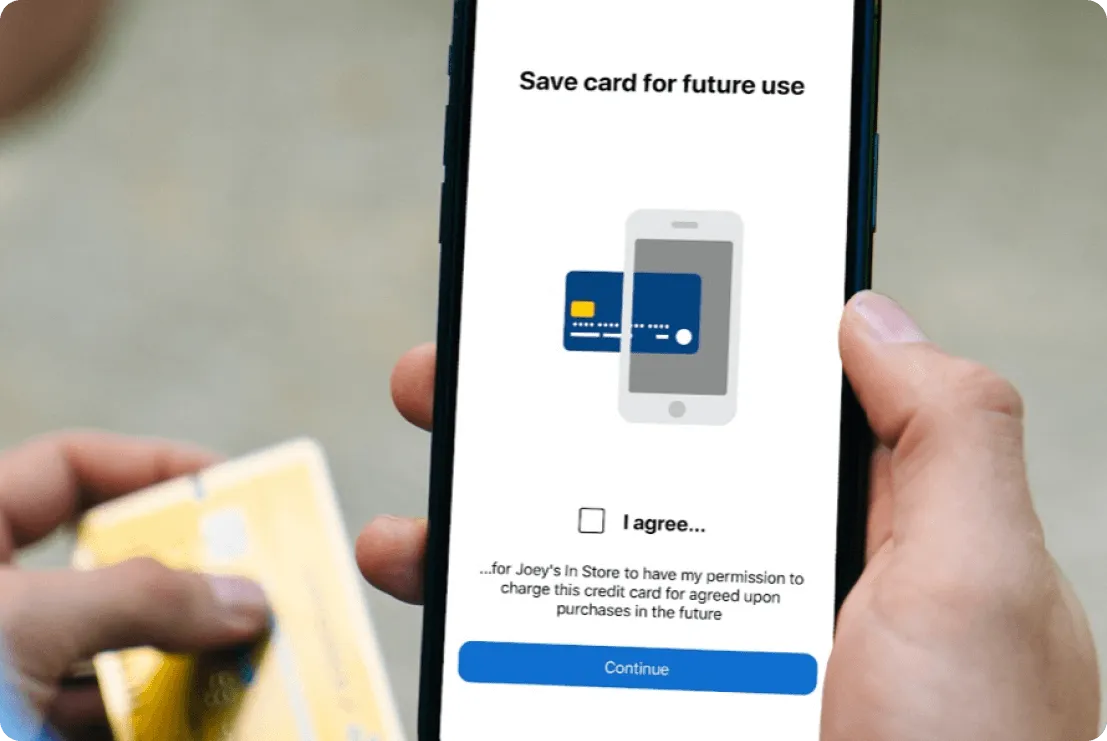
- Store a Card on File so returning clients skip the wallet.
- Track each client's visit and purchase history.
- Keep client contact info in one place.
- Send review requests and loyalty offers with Text Loyalty & Reviews.
Protect your book with deposits
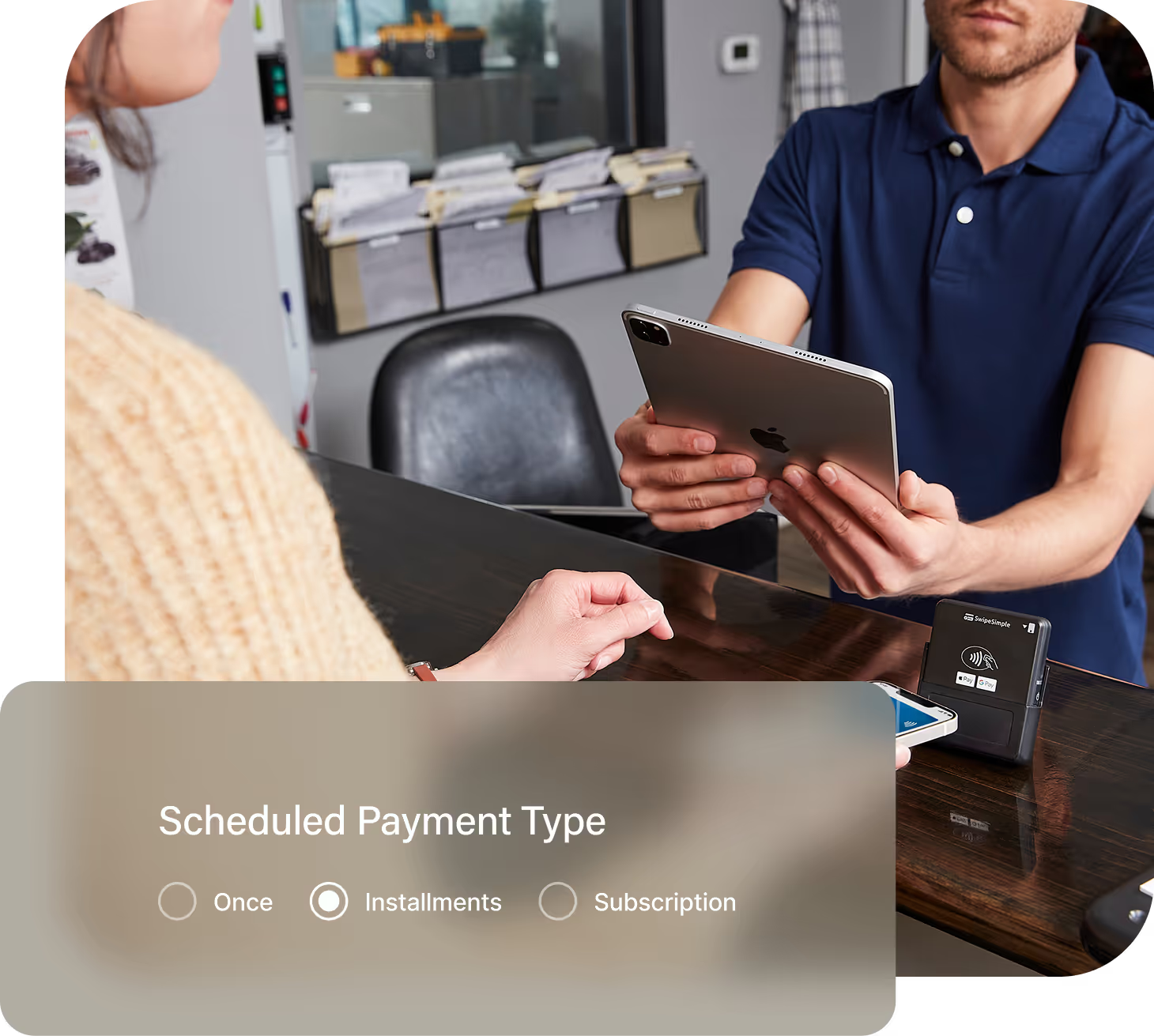
- Charge a deposit at booking with Scheduled Payments.
- Set the balance to run after the appointment.
- Split pricey services like extensions into smaller payments.
- Manage your calendar and online booking with Appointments.
Ring up retail at the front desk, too
- Add services and products to your item list for fast checkout.
- Set up a smart terminal at the front desk for one checkout spot.
- Run reports on sales by stylist, service, or day.
- Sync payments to QuickBooks with QuickBooks Online Sync.

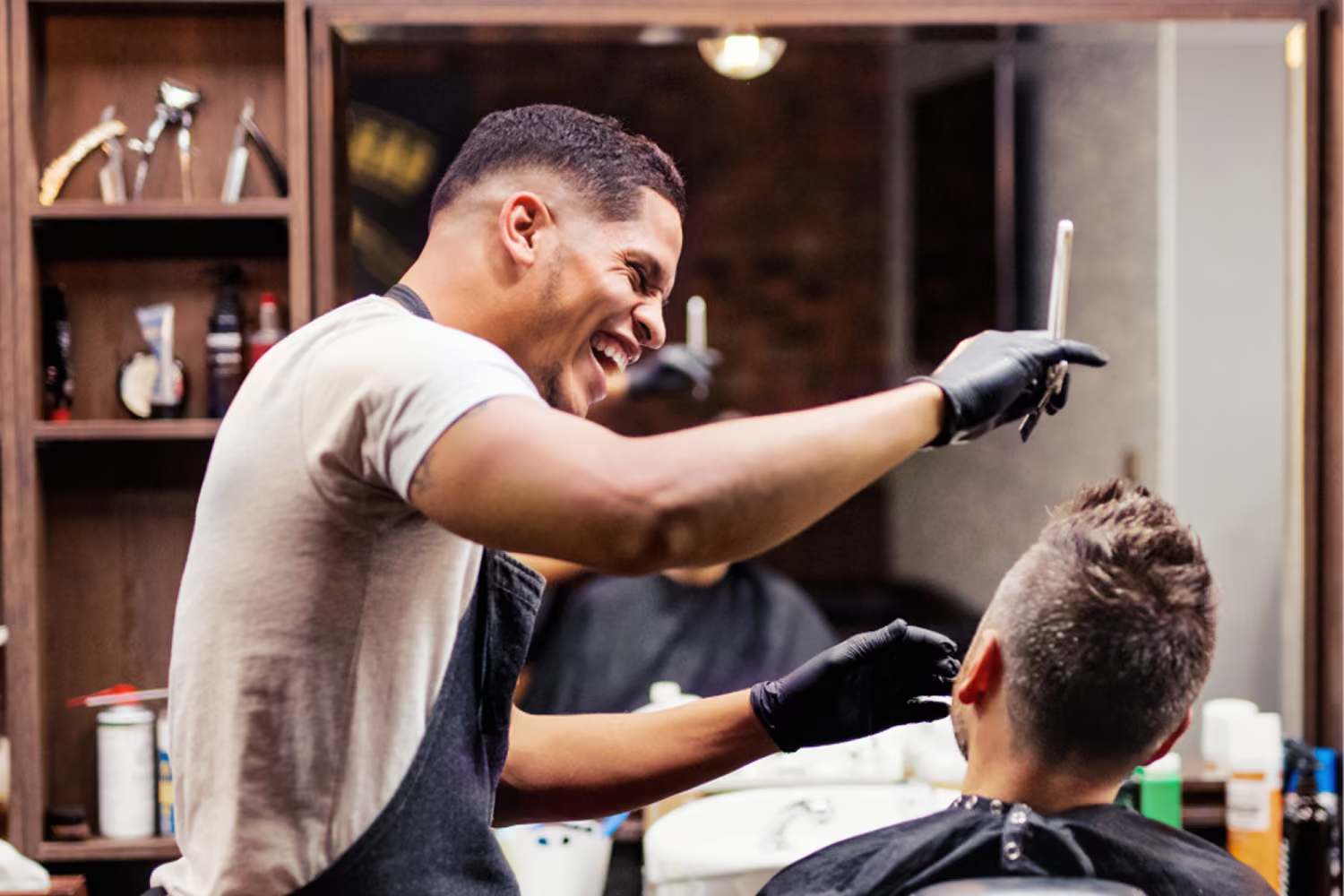
How to pick the best POS system for a salon
- Want a simple setup instead of a heavy system your team has to learn.
- Rent a chair, run a small salon, or just went independent.
- Care most about fast checkout, clean tips, and fewer no-shows.
- Want a real person to call when something comes up.
If you need deep inventory tools for a large retail wall, or payroll and commissions built into your POS, you may want a bigger salon management system. For fast, professional checkout, SwipeSimple keeps it simple.




Salon POS system FAQs
What is a salon POS system?
A salon POS system is software and hardware that handles checkout in a salon. It takes card and contactless payments, adds tips, sends receipts, and keeps client records. Many also handle deposits and saved cards for regulars.
Does SwipeSimple handle tips?
Yes. Clients add a tip at checkout, it shows on the receipt, and you can see tips by stylist or tech.
Can I take deposits to stop no-shows?
Yes. Use Scheduled Payments to charge a deposit when a client books, then charge the rest after the service.
Can each stylist get paid separately?
Yes. Each booth renter can apply for their own account, so their card sales and tips go to their own bank.
What happens after I apply?
Every merchant goes through an underwriting review before approval, and approval is never automatic. SwipeSimple's US-based team is available by phone and email any time you have a question.
Who is SwipeSimple built for?
SwipeSimple is built for small businesses that take payments on the go, like:
Start checking out clients at the chair
Fast checkout, clean tips, and fewer empty chairs.

Accept credit cards with SwipeSimple Connect.
Learn how to accept credit cards with SwipeSimple Connect.
SwipeSimple Partners
SwipeSimple is sold through a network of merchant acquirers, regional resellers, and financial institutions.
Learn more


