How to Manage Customers in the SwipeSimple Web Dashboard
Overview
The SwipeSimple web dashboard gives you a centralized place to manage customer information, process repeat transactions, and build lasting customer relationships. The Customers feature is designed to save you time, reduce manual entry, and keep your team organized.
Accessing the Customers Menu
To get started, log in to your SwipeSimple web dashboard and select Customers from the main navigation. From here, you can view existing profiles, create new ones, or import a list of customers in bulk.
Creating a Customer Profile
Creating a profile only requires a customer name, but adding contact information and billing details gives you more flexibility for future communications and transactions. The more complete the profile, the easier it is to manage that relationship over time.
You can also build your customer list automatically. SwipeSimple can create and update profiles as transactions are processed, so your records stay current without extra manual work.
Bulk Importing Customers
If you are migrating from another system or have an existing customer list, you can upload that data directly using a CSV file. This is a fast way to get your customer base into SwipeSimple without entering records one by one.
The Customer Profile Page
Clicking on any customer name opens their full profile, which serves as a central hub for everything related to that customer.
Inside the profile, you can:
- Review transaction history, including purchases and refunds
- View active invoices and scheduled payments
- Add internal notes that are visible only to your team, useful for tracking preferences, appointment details, or other relationship context
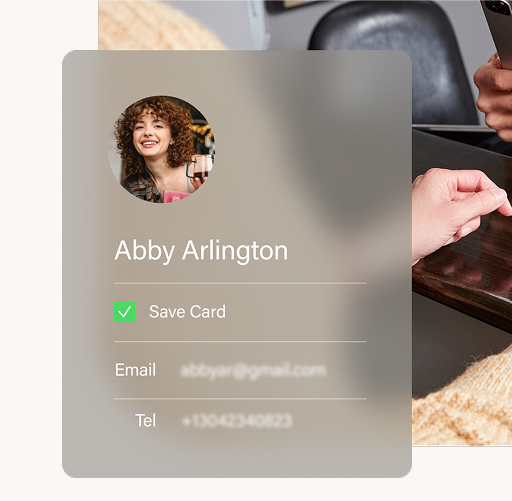
- Save payment methods securely to the profile for faster future charges
- Update or remove stored cards as needed
- Quickly initiate a new charge, invoice, or scheduled payment with the customer's information already pre-populated
When you need to make changes, profiles can be edited or deleted at any time, as long as there are no unresolved invoices or active scheduled payments tied to the account.
Reporting Features
The Customers section includes two reports that help you stay proactive about your business.
The Top Customers report analyzes sales volume, net revenue, and refunds over a date range you select. It surfaces your most valuable customers and helps you spot purchasing trends so you can focus your attention where it counts.
The Expiring Cards report tracks stored payment methods that are approaching expiration and are tied to scheduled payments. This gives you time to reach out to customers before a card expires and causes a payment interruption, keeping your recurring revenue on track.
Get Started
To explore the Customers feature, log in to your SwipeSimple Web Dashboard at https://login.cardflight.com/login.
Related Articles
.png)