

Tag:
Saved Cards
.png)
How to Manage Customers in the SwipeSimple Web Dashboard
Learn how to use the Customers feature in the SwipeSimple Web Dashboard to create and manage customer profiles, streamline repeat transactions, and track your most valuable relationships.
.png)
Customizing Account Settings in the SwipeSimple Dashboard
Adjust receipts, alerts, taxes, reports, and transaction settings in one place with Account Settings in the SwipeSimple Dashboard.
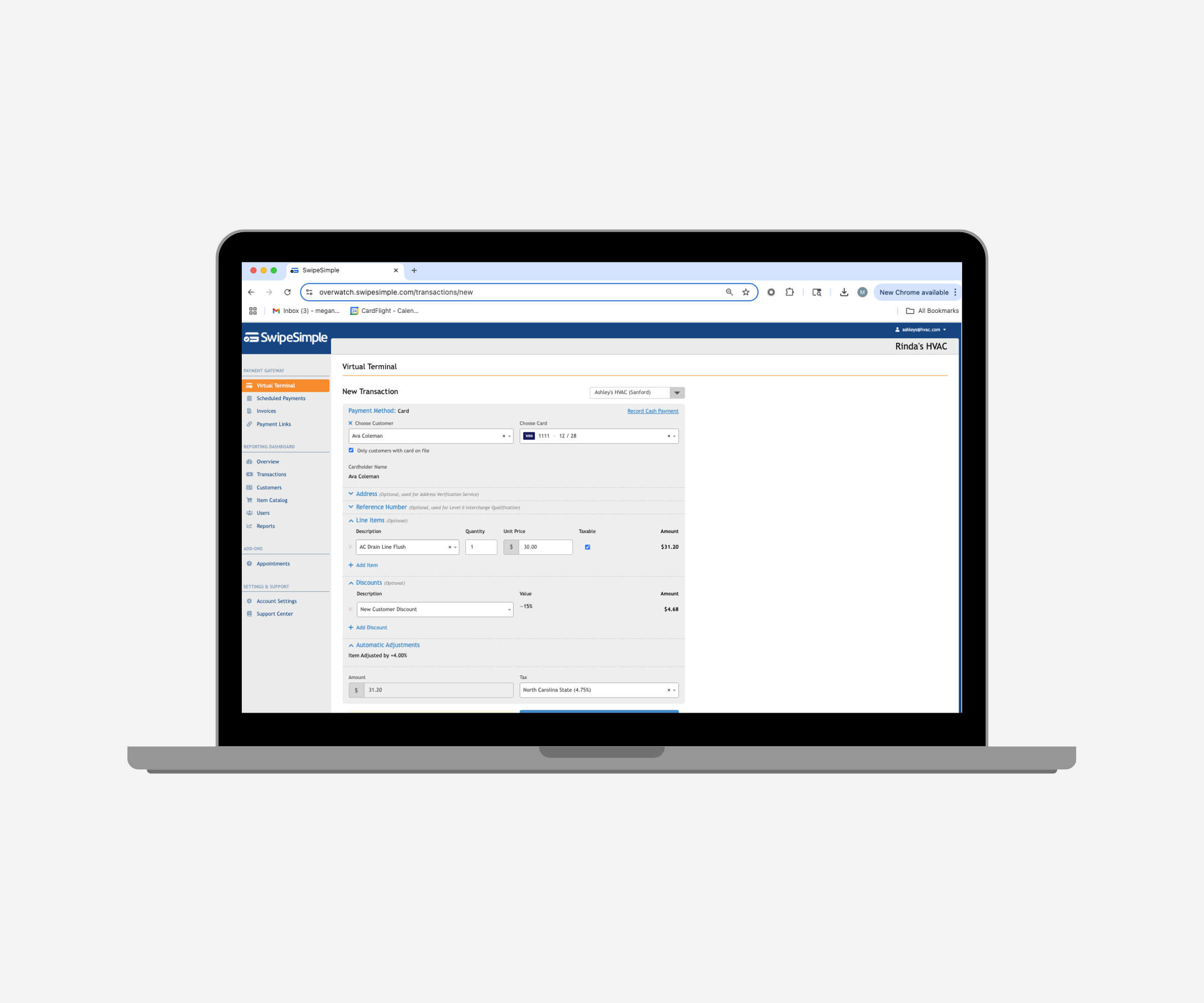
Accepting Payments with the Virtual Terminal
Use the Virtual Terminal to take payments right from your computer. Key in cards or charge stored cards with no reader required.
.png)
Using Scheduled Payments in the SwipeSimple Dashboard
Set up subscriptions, installments, and recurring billing with Scheduled Payments in the SwipeSimple Dashboard.
.png)
Managing Customers and Saved Cards on the SwipeSimple App
Keep customer details and saved cards organized right from your phone. The SwipeSimple mobile app makes it easy to manage profiles and take repeat payments on the go.




