Classroom
Getting Started
Mobile

Processing Payments with SwipeSimple

Get a quick walkthrough of the SwipeSimple mobile app. Learn how to add items, apply discounts, take payments, and send receipts—all in just a few taps.

How to Process Payments with the SwipeSimple Mobile App

If you’re new to SwipeSimple, this video will walk you through the basics of accepting payments on your phone. In just a few minutes, you’ll see how to add items, apply discounts, process payments, and send receipts—all the essentials you need to start taking payments quickly and confidently.

Adding Quick Items

Quick Items let you process payments for any custom amount. This feature is especially useful for unique services, one-off charges, or amounts that don’t fit into your catalog.

Using the Item Catalog

For businesses with a set list of products or services, the Item Catalog makes checkout simple. You’ll learn how to browse and select items directly from the app so transactions are accurate and consistent.

Applying Discounts

The app makes it easy to apply either percentage-based or flat-amount discounts. This ensures customers always get the correct price and saves you from doing manual calculations.

Entering Card Details Manually

When a customer isn’t paying with a physical card, you can use Keyed Entry to securely type in their card details. This flexibility allows you to accept payments anytime, anywhere.

Sending Digital Receipts

Once a payment is complete, you can send a receipt by text or email in just a few taps. It’s a professional, customer-friendly way to confirm the transaction.

Together, these features make it simple to accept payments and provide a smooth checkout experience for your customers.

Related Articles

Getting Started
Settings

Customizing Account Settings in the SwipeSimple Dashboard

Adjust receipts, alerts, taxes, reports, and transaction settings in one place with Account Settings in the SwipeSimple Dashboard.
Mobile
Getting Started
Inventory Management
Web
Terminal

Creating and Applying Discounts in SwipeSimple

Create, manage, and apply discounts across SwipeSimple—on Mobile, Terminal, Invoices, and Virtual Terminal.
Web

Accepting Payments with the Virtual Terminal

Use the Virtual Terminal to take payments right from your computer. Key in cards or charge stored cards with no reader required.
Settings
Mobile

Customizing Mobile App Settings

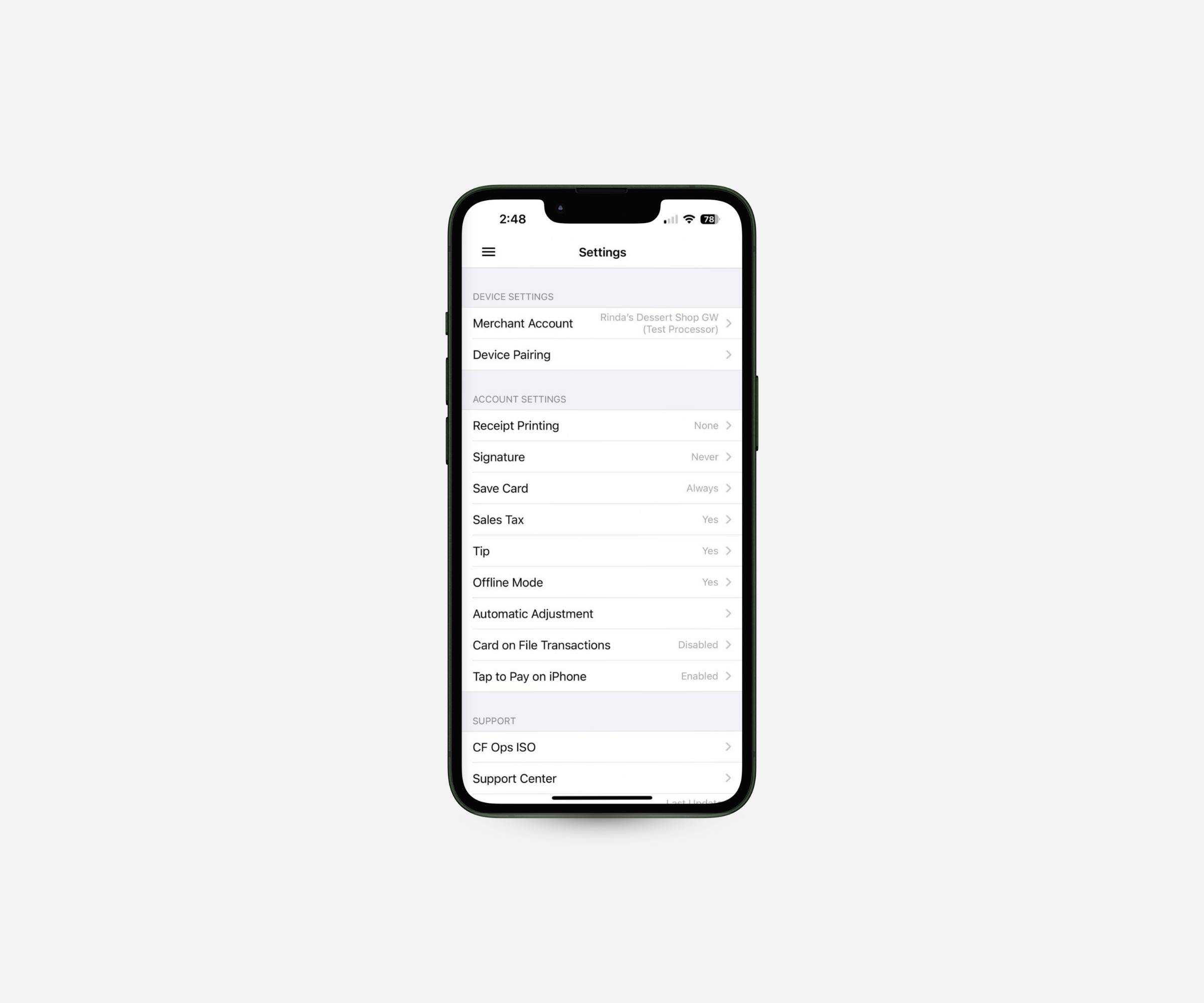
Adjust checkout options, enable Tap to Pay on iPhone, manage accounts, and access support—all from Mobile Settings in the SwipeSimple app.
Customers
Scheduled Payments
Web

Using Scheduled Payments in the SwipeSimple Web Dashboard

Set up subscriptions, installments, and recurring billing with Scheduled Payments in the SwipeSimple Web Dashboard.
Customers
Mobile

Managing Customers and Saved Cards on the SwipeSimple App

Keep customer details and saved cards organized right from your phone. The SwipeSimple Mobile App makes it easy to manage profiles and take repeat payments on the go.
Mobile

Issue Refunds, Void Transactions & Resend Receipts

Need to fix a payment or resend a receipt? The SwipeSimple app makes refunds, voids, and receipts simple to manage—right from your phone.
Invoices
Mobile

How to Use Invoices on Mobile

Send invoices right from your phone. SwipeSimple makes it easy to create, send, and track invoices on the go.
Getting Started
Mobile
Web

How to Navigate SwipeSimple - Mobile App & Web Dashboard

See how SwipeSimple makes it easy to manage payments and business tasks from anywhere—whether you’re on your phone or at your computer.
Getting Started
Mobile

Processing Payments with SwipeSimple

Get a quick walkthrough of the SwipeSimple mobile app. Learn how to add items, apply discounts, take payments, and send receipts—all in just a few taps.