

Category:
Mobile
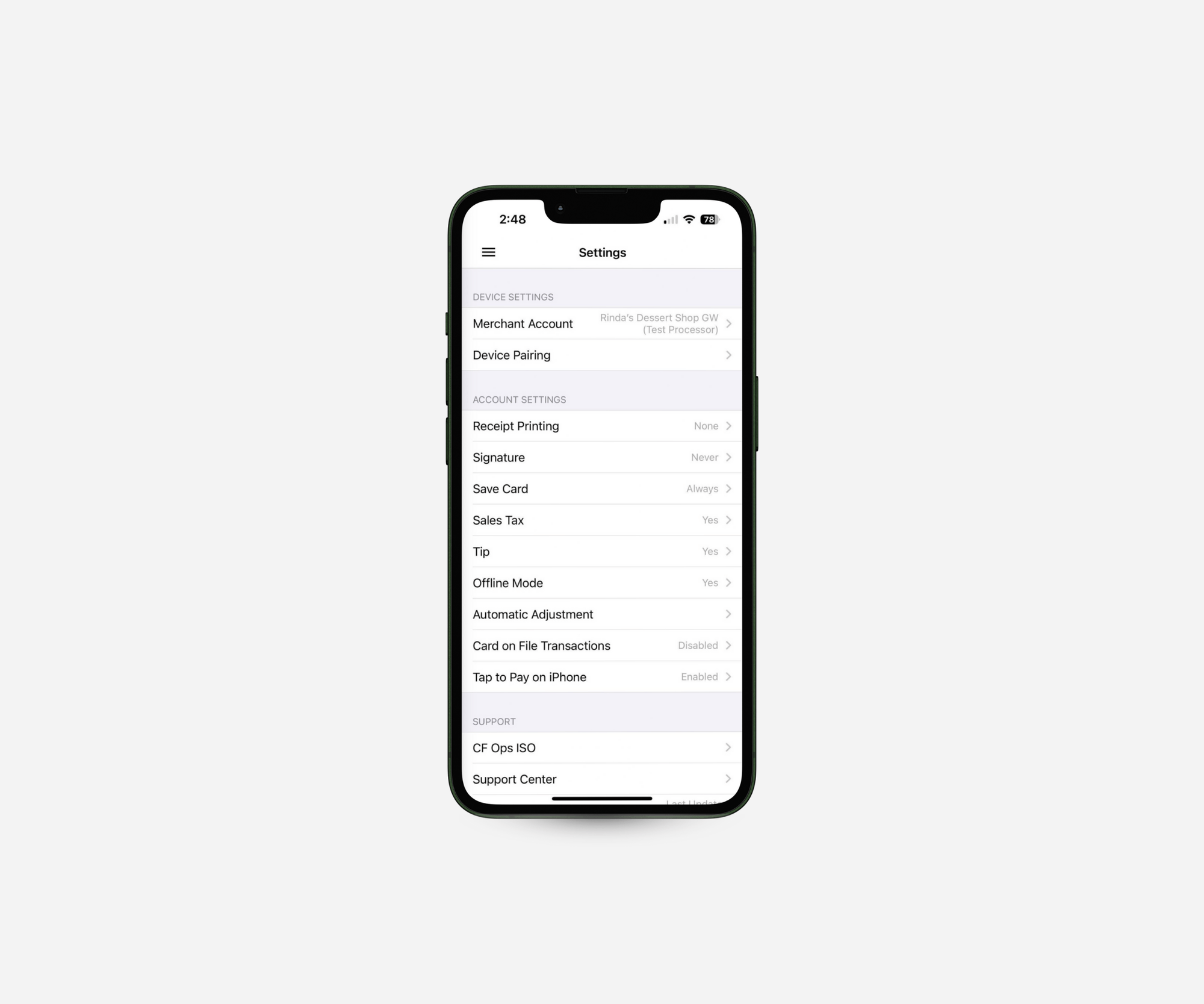
Customizing Mobile App Settings - Starter Plan
Learn how to use the Settings menu in the SwipeSimple Mobile App in the Starter Plan, including device settings, account settings, support contacts, and app details.

Processing Payments with SwipeSimple - Starter Plan
Learn how to process a payment in the SwipeSimple Mobile App in the Starter Plan, from entering an amount and editing the cart to accepting keyed, Tap to Pay on iPhone, and cash payments, adding tips, and sending receipts.
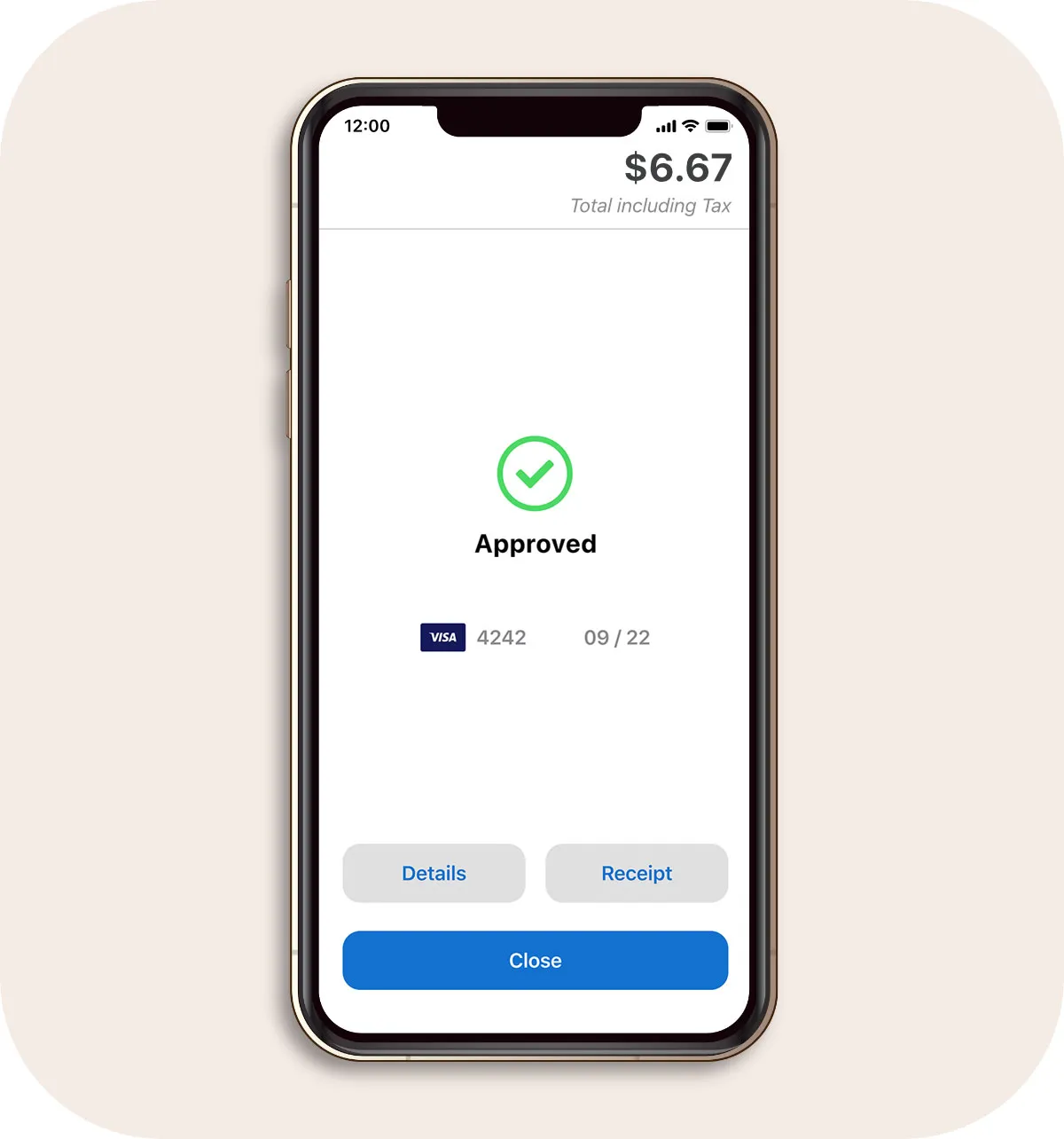
SwipeSimple Mobile App Navigation - Starter Plan
Navigating the SwipeSimple Mobile App - Starter Plan
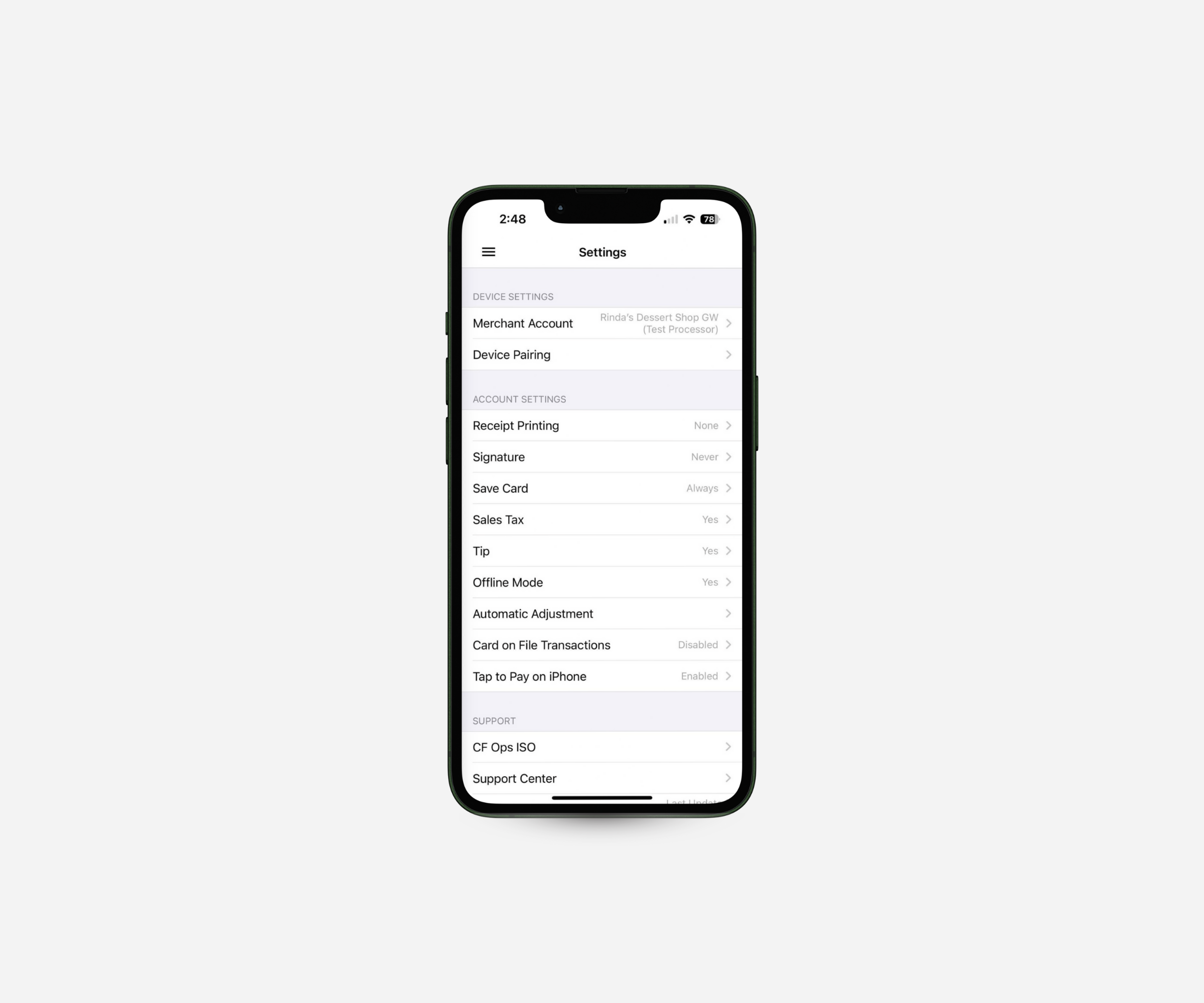
Customizing Mobile App Settings
Adjust checkout options, enable Tap to Pay on iPhone, manage accounts, and access support—all from settings in the SwipeSimple app.

Issue Refunds, Void Transactions & Resend Receipts
Need to fix a payment or resend a receipt? The SwipeSimple app makes refunds, voids, and receipts simple to manage—right from your phone.

How to Use Invoices on Mobile
Send invoices right from your phone. SwipeSimple makes it easy to create, send, and track invoices on the go.
Processing Payments with SwipeSimple
Get a quick walkthrough of the SwipeSimple mobile app. Learn how to add items, apply discounts, take payments, and send receipts—all in just a few taps.




